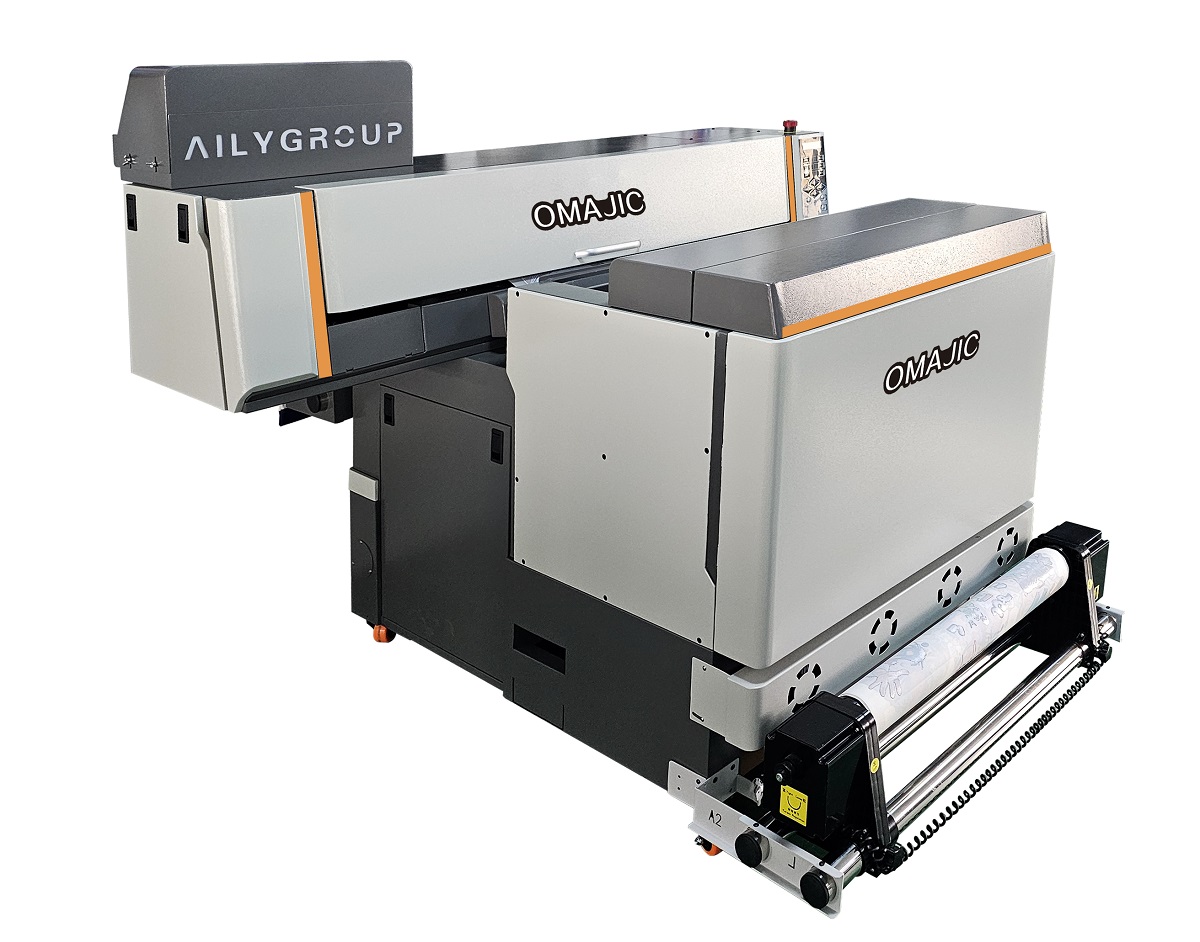
The core advantage of the DTF Printer 600 Pro All-in-One lies in its integrated design,which consolidates complex DTF production processes into a simple, efficient, and automated process. This allows customers to quickly launch customized printing services with minimal human and material investment. They also want to eliminate the tedious coordination of multiple devices and achieve “one-click printing.
 OM-DTF600Pro Industrial DTF Printer Video
OM-DTF600Pro DTF Printer Details
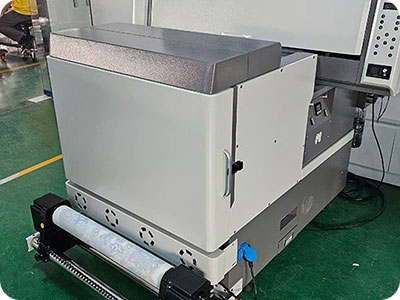
Save 3.3 times the volume
40 feet load 28 sets 60cm DTF. other normally DTF printer only can loading 12 sets, Saving 3.3 timessea cost.
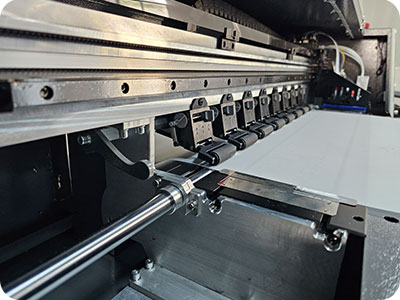
Electrical pinch roller
Reduce paper jams and skewing, improve print quality
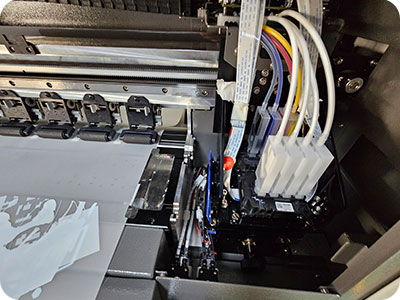
Capping station moisture system
off working, always keeping head wet. No blocking.
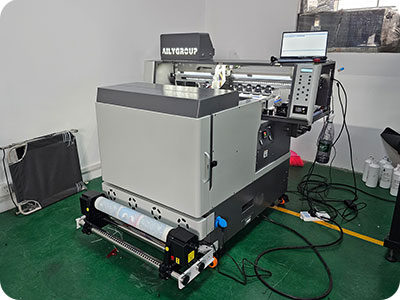
Printing, shaker, filter all in one setup
Easily move and save space
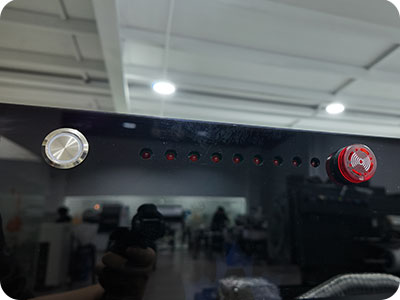
Low ink alarm
Low ink alarm is equipped to protect the printer
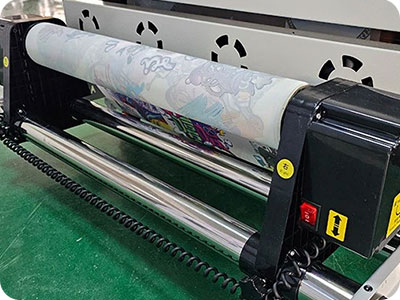
Take-up system
Well-designed media take-up system with both motors
OM-DTF600Pro Industrial DTF Printer Specification
| Print Software | Ripprint/Phototprint |
| Printing Speed | I3200A: 4pass 24㎡/h,6pass 16㎡/h, 8pass 8㎡/h I1600A: 4pass 12㎡/h,6pass 8㎡/h, 8pass 4㎡/h |
| Machine Functions | All In One Printer&Powder Shaker, White Ink stiring, 8 Colors Printing, Internal reserved space for range hood |
| Printing Heads | 2-4pcs Epson i1600 A1 heads/2pcs Epson i3200A1 heads |
| Machine Configurations | Hiwin Guiderail, Leadshine Motor, White Ink Stiring, All-In-One Computer(optional) Machine hardware upgrades: drag chains, tower pulleys, anti-collision, and paper collection. |
| All-In-One Computer Configurations | 8th Generations i7-8750H Processor, 64G/128G, 15.6-inch 1920×1080 Touch Screen |
| Print Colors | CMYK W/CMYK ORGB W |
| Working Environment | 1340*1850*1330mm Space, 6000W, Electricity Power, 25℃-30℃ humidty50%-70% |
| Package Info | 1440*1400*1450,270KG, 2.54m³ |
OM-DTF600Pro Industrial DTF Printer Application






OM-DTF600Pro Industrial DTF Printer FAQ
 OM-DTF600Pro Industrial DTF Printer FAQ
1. The issue may stem from components aligned with the X-axis—specifically the drive belt, linear guide rail, or encoder strip. Inspect and troubleshoot these structures.
2. The print head baseplate height is set too low; raise the height of the baseplate. (Problem resolved)
Calibrate the gear ratio and adjust the print positioning.
Reinstall the print head or reseat the ribbon cables.
BLOG
–Deliver our value with content.
Why Choose Eco Solvent Printer For Your Signage Business
In the ever-changing signage and printing industry, businesses are constantly seeking innovative solutions that can improve productivity, quality, and sustainability. [...]