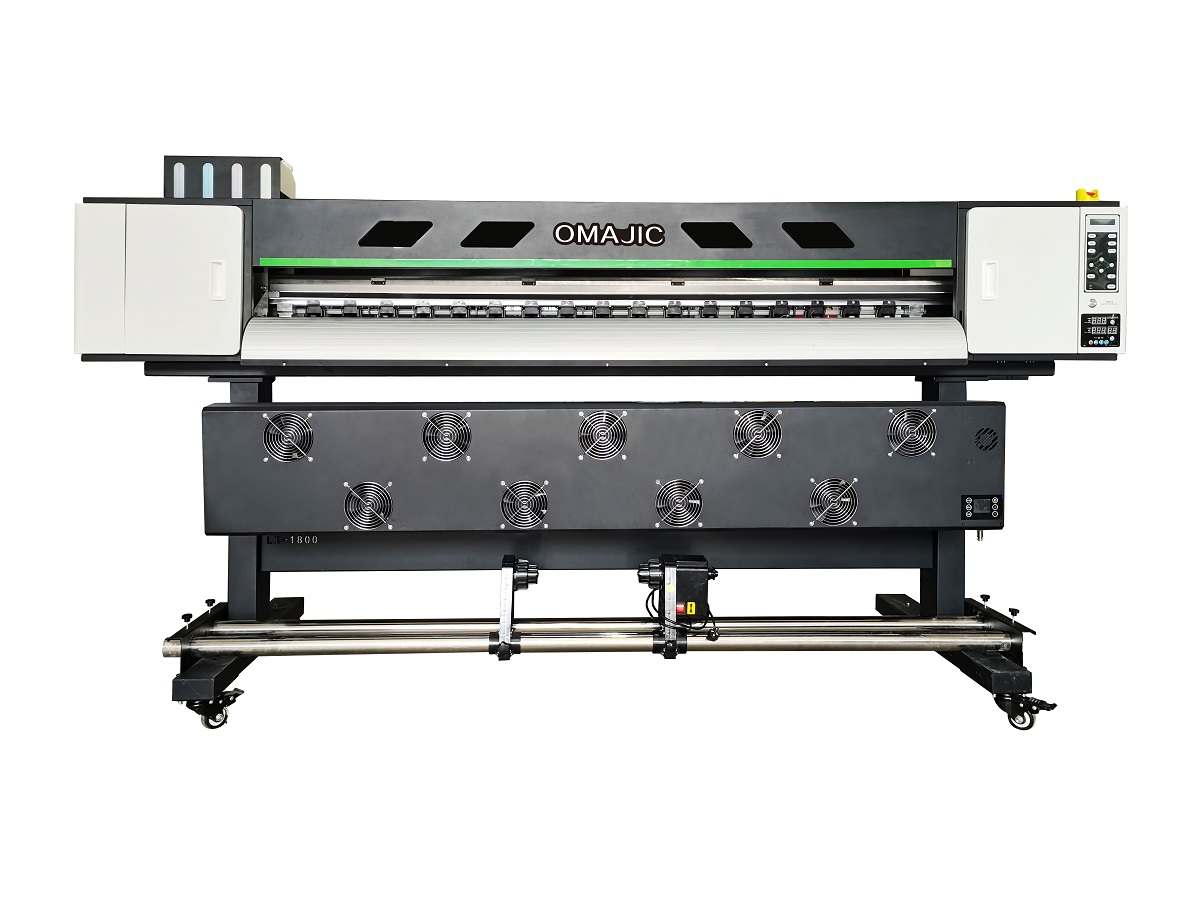
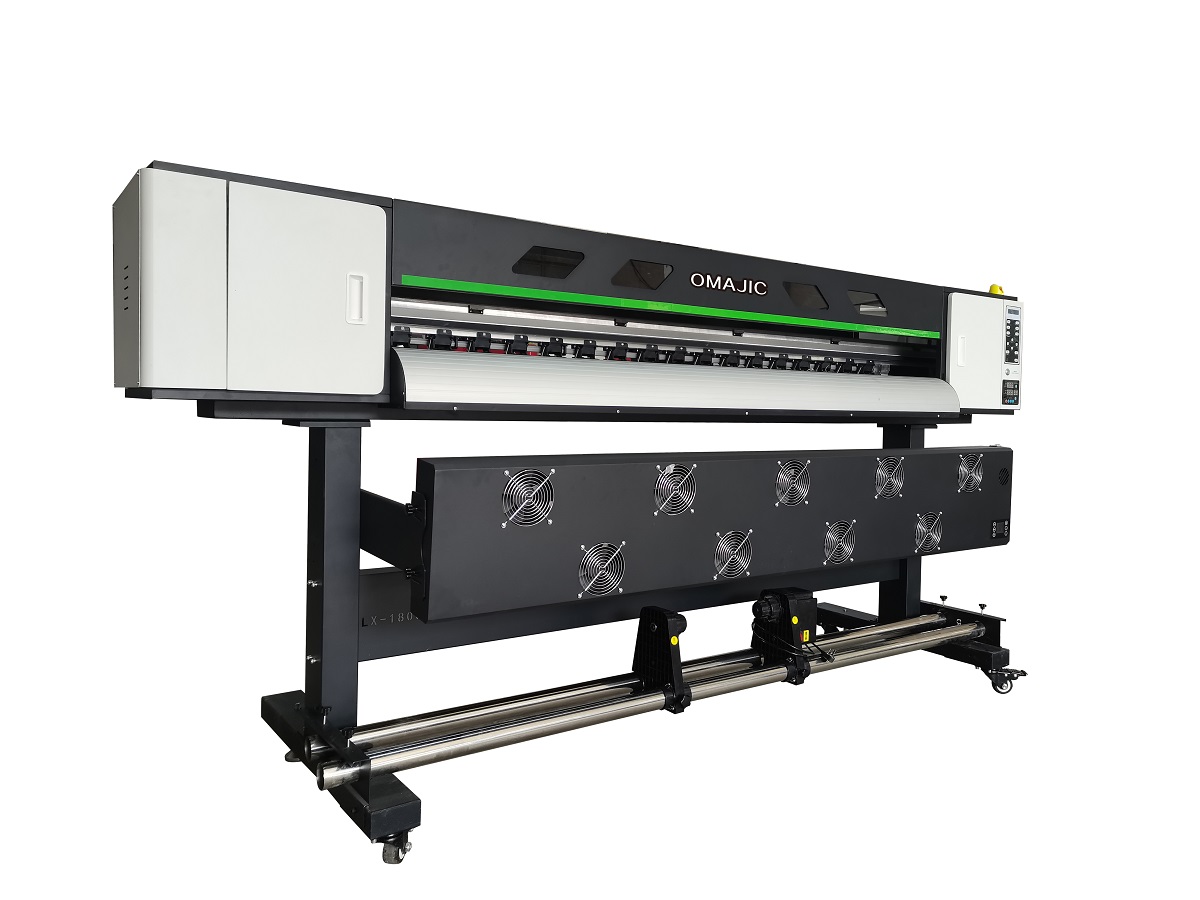
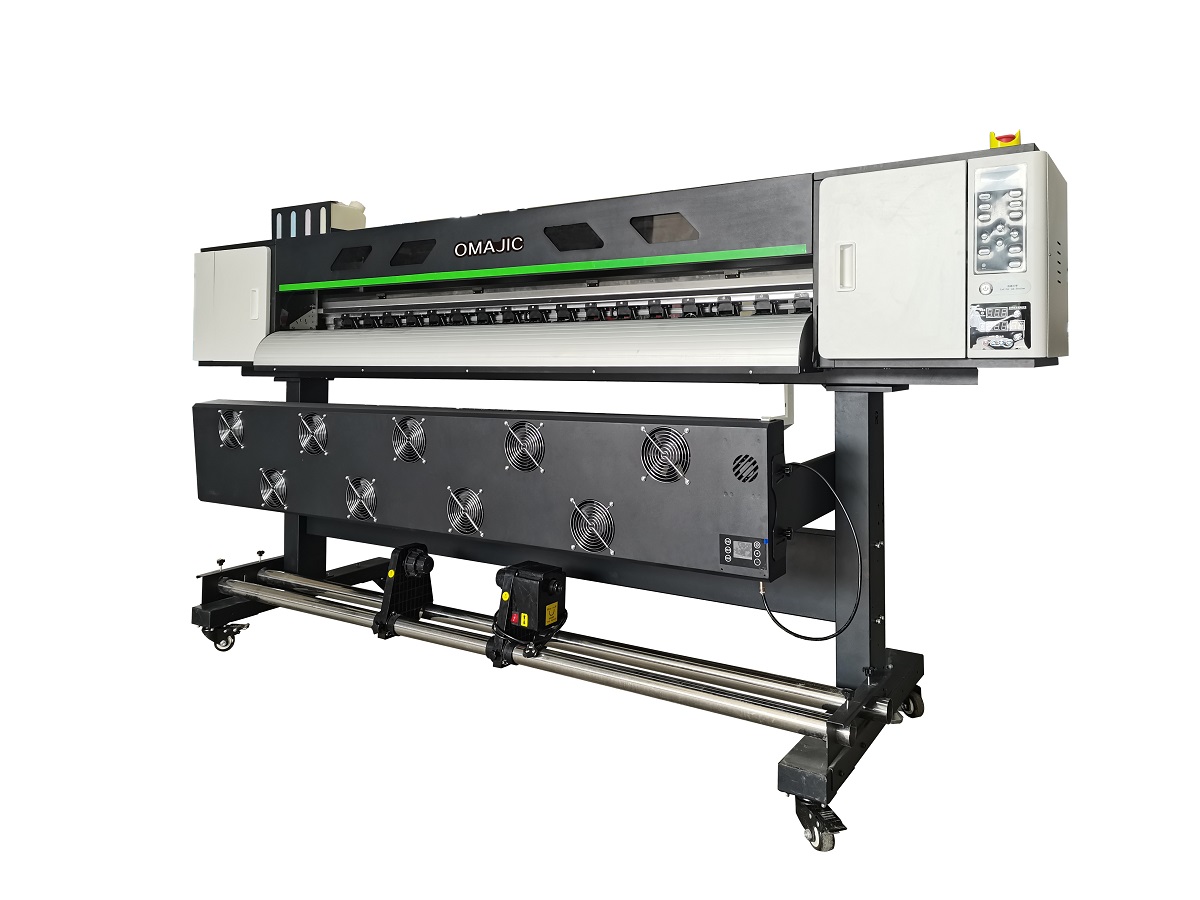
OM-ECO18012E 1.8m Eco Solvent Printer
The most revolutionary innovation of the OM-ECO1801&2E lies in its Dual Printing Engine design, supporting dual Epson printheads, with optional configurations including XP600, I1600, or I3200.
Key Advantages:
- Dual Epson printhead architecture for higher productivity
- Flexible printhead options to suit different application requirements
- Improved printing efficiency and stability compared to traditional single-head systems
- Designed for continuous operation in professional production environments
Dual-Engine High-Performance Inkjet Printing System
The OM-ECO1801&2E introduces a new level of productivity and stability with its revolutionary Dual Printing Engine architecture, designed specifically for professional industrial and commercial printing applications.
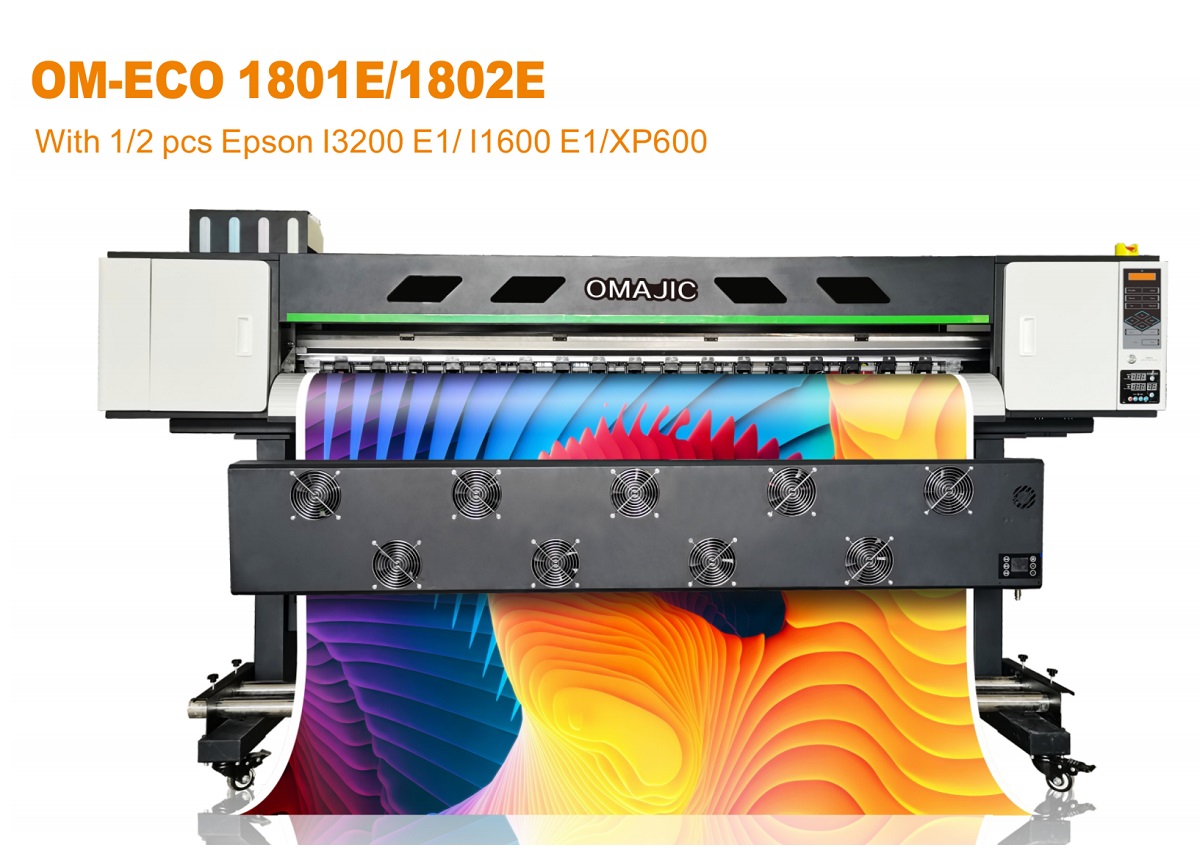
Dual Printing Engine – A True Productivity Breakthrough
Unlike conventional single-head systems, the OM-ECO1801&2E is built with a dual printhead configuration, enabling higher output, improved print consistency, and enhanced operational efficiency.
The system supports two Epson printheads, allowing users to flexibly choose according to production needs and budget:
Epson XP600 – Cost-effective solution for entry-level and medium-volume production
Epson I1600 – High-precision industrial printhead with excellent stability
Epson I3200 – Ultra-high-speed and high-resolution output for demanding production environments
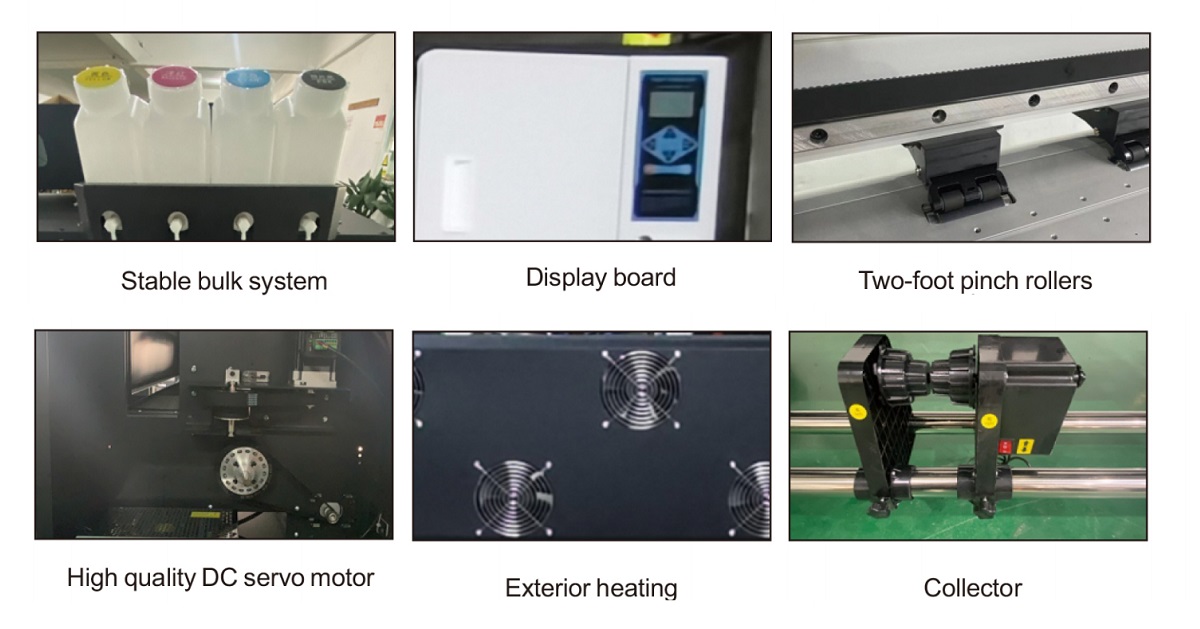
This dual-engine design significantly increases printing speed while maintaining superior image quality and reliability.
【Technical Specification】
| Printing Resolution | Standard Dpi: 720x1200dpi |
| Printer Head | 1Epson I3200-E1/11600E1/XP600 / 2Epson 13200-E1/11600E1/XP600 |
| Printing Speed | 1801E:I3200-E1:720*1200dpi,4Pass 20 sqm/h, 720*2400dpi,6 Pass 14 sqm/h11600-E1:720*1200dpi,4Pass 10sqm/h, 720*2400dpi,6 Pass 7sqm/h 1802E: I3200-E1:720*1200dpi,4pass 40sqm/h 720*2400dpi 6pass 30sqm/h I1600-E1:720*1200dpi,4pass 20sqm/h 720*2400dpi6pass 15sqm/h |
| Software | PhotoPrint/Ripprint |
| Max Print Size | 70″(180cm) |
| Power Consumption | 1500W-1900W |
| Ink Colors | CMYK |
| File Format | PDF,JPG,TIFF,EPS,AI,etc |
| Working Environment | 20-28 Degrees. |
| Package Info | 2827*770*1478mm;150kg |
【Application Scheme】
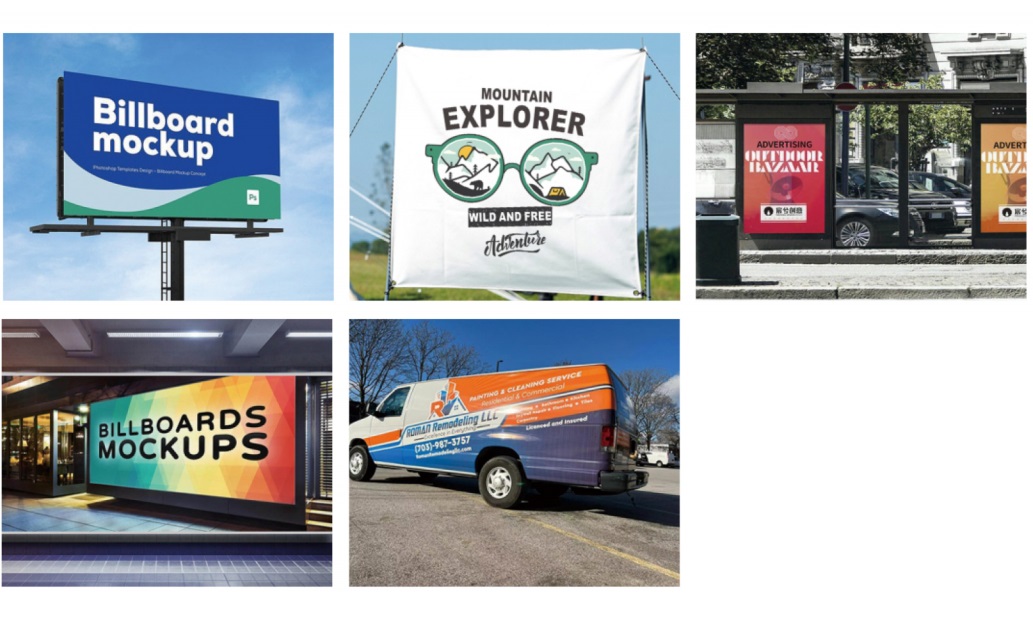
Commercial printing
Industrial inkjet solutions
High-efficiency production lines requiring stable and scalable output
The negative pressure is too low. Increase the negative pressure value on the negative pressure board (previously -3.8; adjust to -4.6).
Open the Run dialog box and enter the following path: C:\Users\86188\Downloads\PF657.msi
Press Enter to install the software with administrator privileges.
Perform a firmware upgrade via the “Advanced Settings” menu.
1. Update the firmware. Alternatively, perform calibration by printing test patterns.
Switch to “High Speed Mode.” The X-axis movement speed decreases as the X-axis resolution increases; if the resolution is set too high, the movement speed will be correspondingly slower.
3208 is twice the size of 3204.
Fast printing speed, high throughput, and stable operation
Cheap doesn’t mean poor quality. This machine is our lead generation product, and we’re stocking it in large quantities to reduce costs.
It is eary to install, we have engineer can help you, and we have enough installation documents.
PLUS model have 4 heads, E model only 2 heads, for different market use.
“The two types of inks used are eco-solvent and solvent printer. Eco-solvent uses mild solvent ink, while solvent printer uses solvent ink with a strong odor.
Eco-solvent is primarily used for indoor and outdoor advertising where high precision is required.
Solvent printer can be used for outdoor advertising, such as highway billboards, where high precision is not a primary concern.”
PLUS model have 4 heads, E model only 2 heads, for different market use.
Do some advertising printing
1. Vinyl Decals & Stickers;
2. Vehicle Graphics & Wraps;
3. Outdoor Banners & Signage;
4. Soft Signage & Fabric
EPSON head, like EPSON I3200E1, EPSON 1600E1, XP600, DX5 head
Printing speed depends on the number of printheads and the printing mode, typically ranging from 10 to 40 square meters per hour.
An eco-solvent printer is a type of large-format inkjet printer that uses eco-solvent ink.
An eco-solvent printer is incredibly versatile because it adheres well to vinyl, plastic, and coated media without needing expensive lamination for short-term jobs. Since the ink is flexible and weather-resistant, it is the go-to tool for sign makers, vehicle wrappers, and apparel decorators.
It can handle a wide variety of media including vinyl, PVC, coated fabrics, banner materials, and more. Its versatility makes it suitable for diverse commercial printing applications.
This model supports Epson XP600, I1600, or I3200 printheads, allowing flexible configurations for precision and speed depending on your production requirements.
The OM-ECO1901H supports a maximum printing width of 1.9 meters (74 inches), making it ideal for large-format banners, posters, and commercial graphics.
BLOG
Deliver our value with content.
Why Choose Eco Solvent Printer For Your Signage Business
In the ever-changing signage and printing industry, businesses are constantly seeking innovative solutions that can improve productivity, quality, and sustainability. [...]
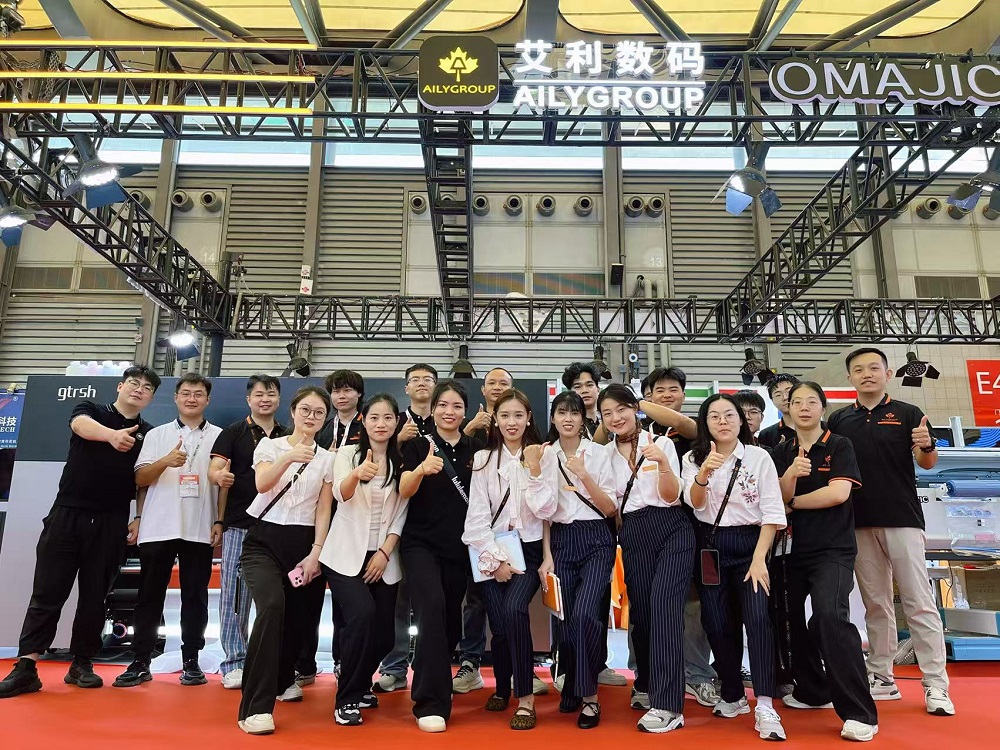
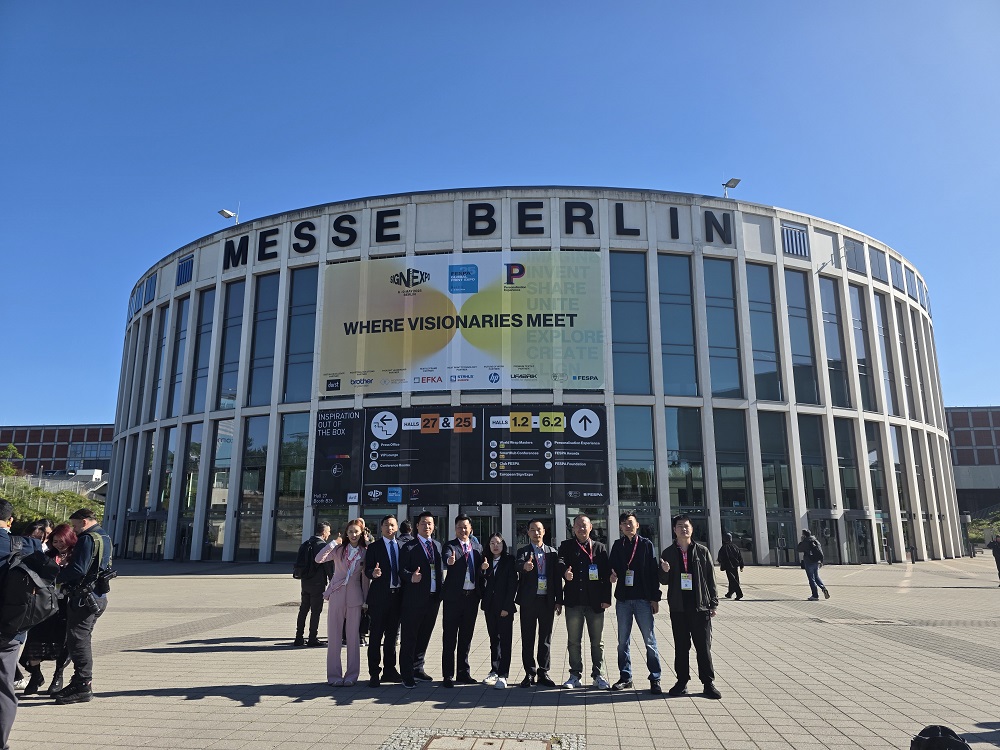
The 2025 FESPA Exhibition in Berlin, Germany
2025 FESPA Printing and Advertising Technology Exhibition in Berlin, Germany, to visit our latest high-end digital printing equipment and technical [...]
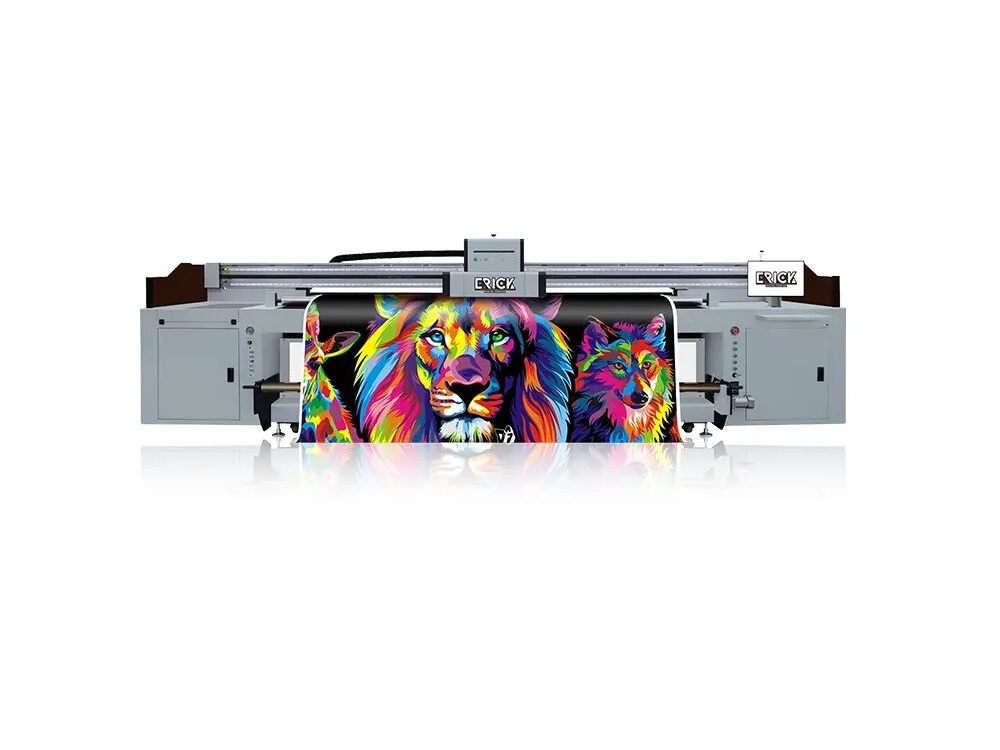
Top Uv Hybrid Printers For 2025: The Ultimate Printing Solution
As we enter 2025, the printing industry continues to evolve, with UV hybrid printers leading the way in innovation and [...]