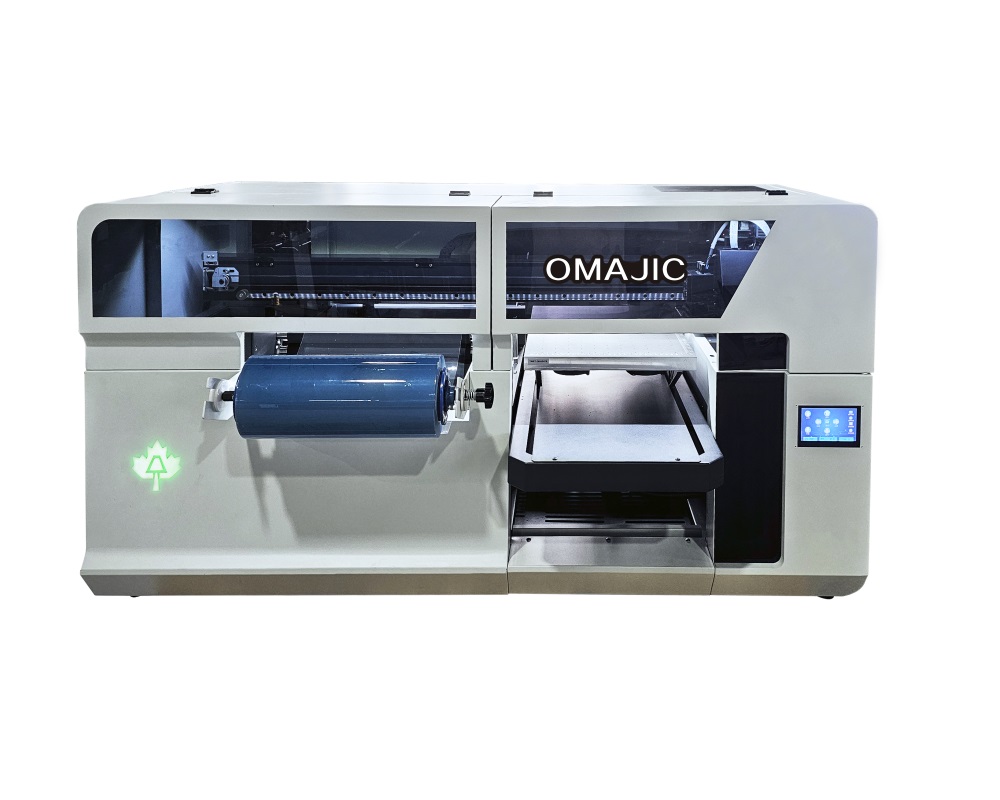
With A3 format UV flatbed printer as the core, by upgrading software, adding specific accessories (such as powder spreader, film fixing device) and optimizing process flow,it can be made into a composite device that can complete both traditional UV flatbed direct printing and UV DTF printing functions.
 OMAJIC A3 Multifunction Printer Introduction Video
OMAJIC A3 Multifunction Printer Details
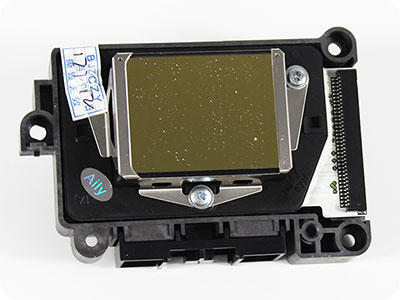
Epson DX7/3200HD
Eight channels can pmt CMYK,W,V colors with 1 pieces
Multifunction printer
offers greater flexibility in meeting various printing needs
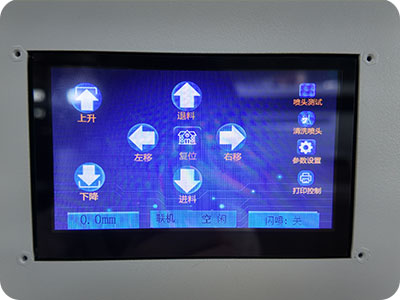
High-precision emergency stop button
ensure safety and prevent damage duringoperation.
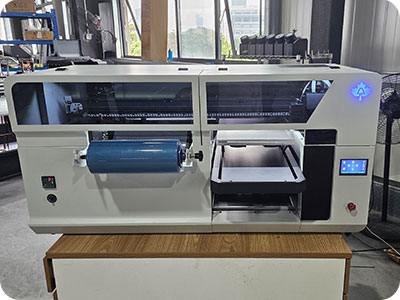
Save space
In small offices or home offices with limited desk space, every square inchcounts.
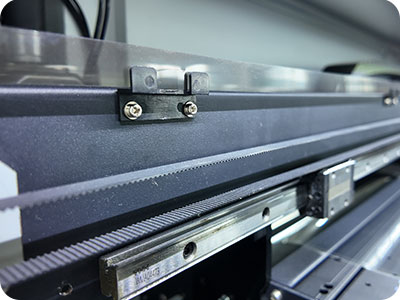
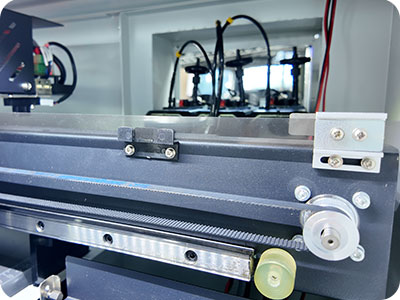
High Quality Components
Branded accessories such Hiwin guide rail
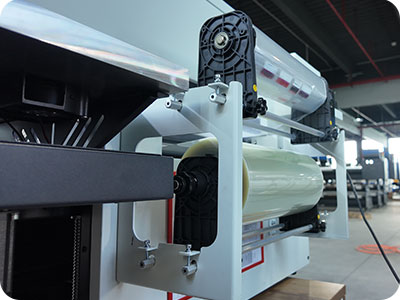
Roll & Laminate Kit-Material Flexibility
Supports diverse roll media
OMAJIC A3 Multifunction Printer Specification
Technical Specification
| Print Precision | 720DPI-1880DPI |
| Printer Head | 1pcs Epson Dx7/3200HD |
| Printing Speed | 1.2sqm/h |
| Software | RIIN |
| Max Print Size | Roll wide:29cm Flatbed:42cm*29cm |
| Power Consumption | 800W |
| Ink Colors | CMYK+W+V |
| Materials to Print | Heat transfer PET film,Acrylic,glass,ceramics,etc |
| Working Environment | 15–30 Degrees. Humidity30%-70% |
| Package Info | 1520*950*820mm 160kg |
Cutting Machine Details
| Cutting Speed | Straight line :1000mm/sCurve:800mm/s |
| Cut Thickness | ≤1mm |
| Cutting Method | Physical half-knife full-knife cutting |
| Fixing Method | Double-frame adhesive/vacuum adsorption |
| Mechanical Resolution | 0.05mm |
| Software Resolution | 0.025mm, 0.01mm.0.1mm(Optional) |
| Command System | HP-GL compatible |
| Cutting Area | 400X670mm |
| Size&Weight | 1114*956*710mm 130kg |
Application Scheme
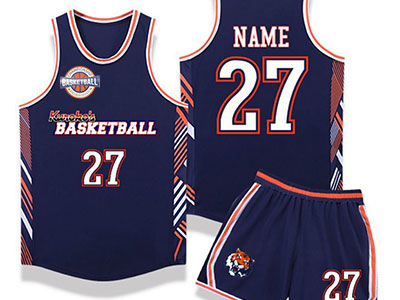
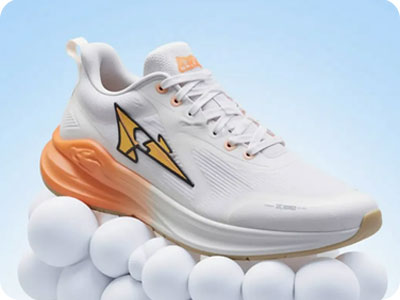


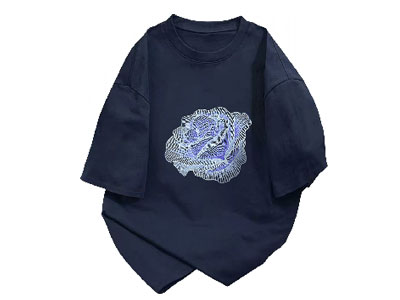

OMAJIC A3 Multifunction Printer FAQ
 OMAJIC A3 Multifunction Printer FAQ
Q:Why the dx7 head install at an angle ,what‘s the advantage?can 3200hd do the same way?
A:Because angled mounting can increase printing speed by 40%. 3299HD cannot
Q: What’s the print speed of DX7 and i3200 head ?
A: About 1-1.5 sqm/hour
Q: How many functions can this machie make ?
A: UV flatbed, uv dtf, bottle print
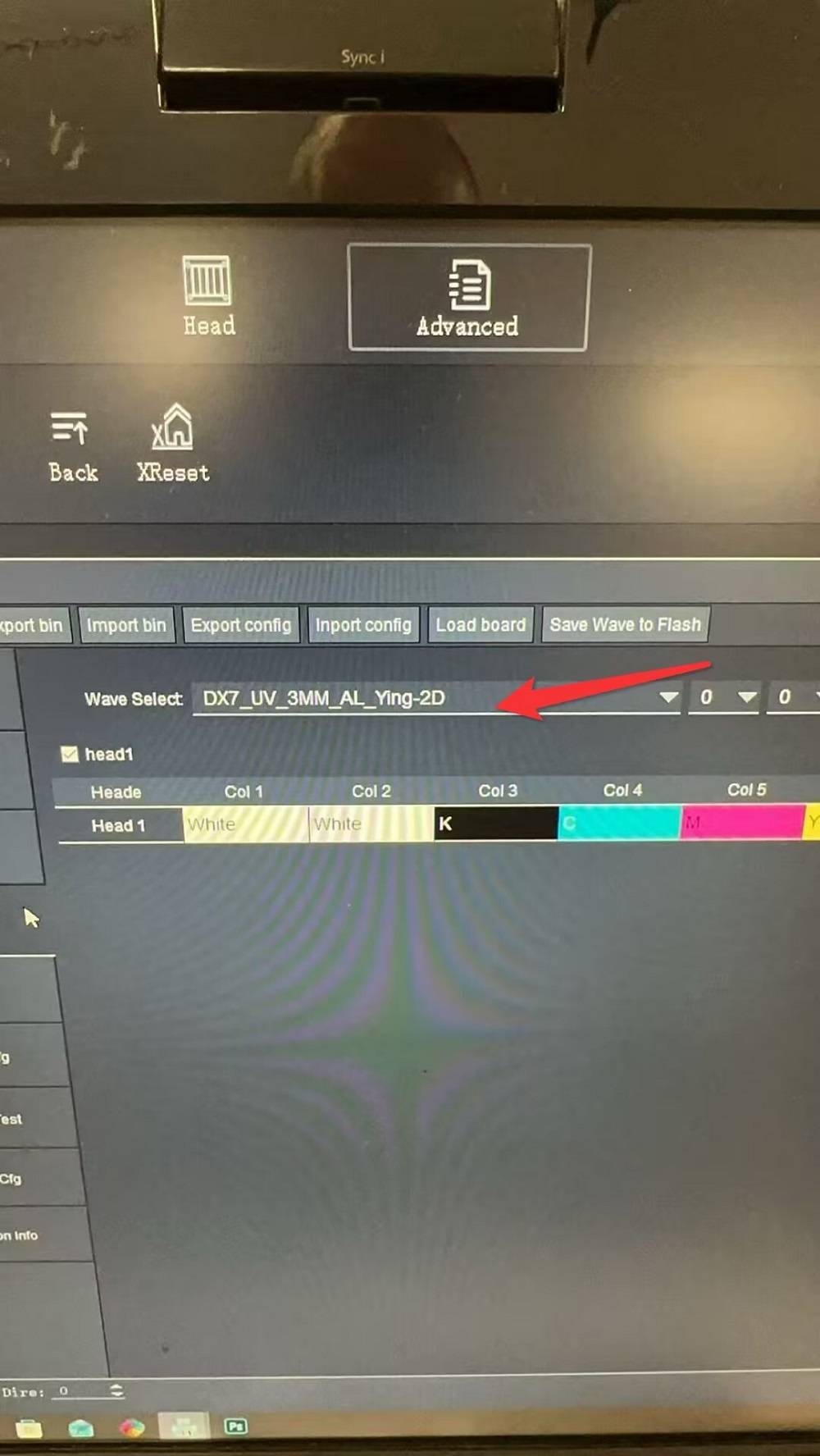
Q: The color sequence displayed on the calibration page differs from that in Factory Mode, resulting in persistent calibration errors.
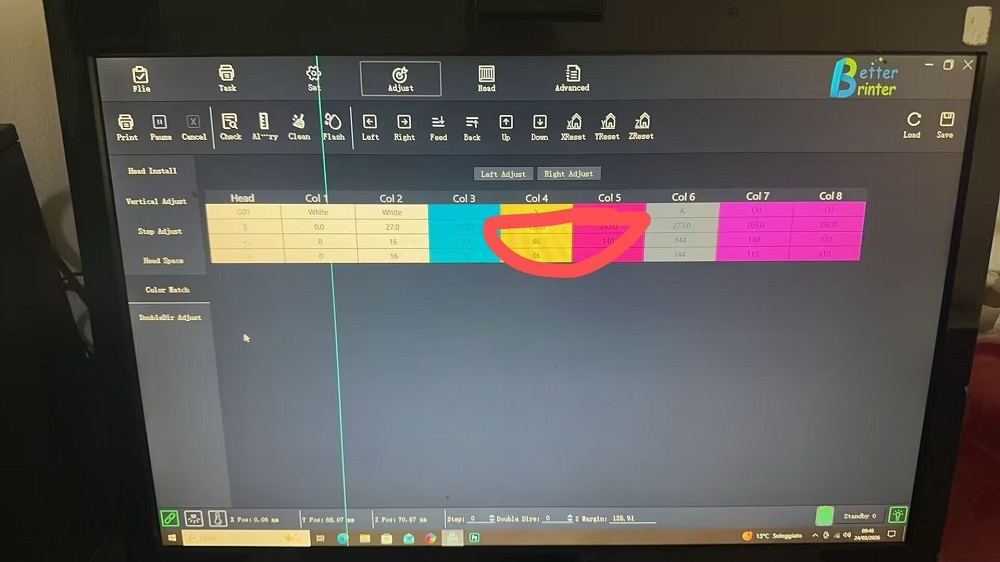
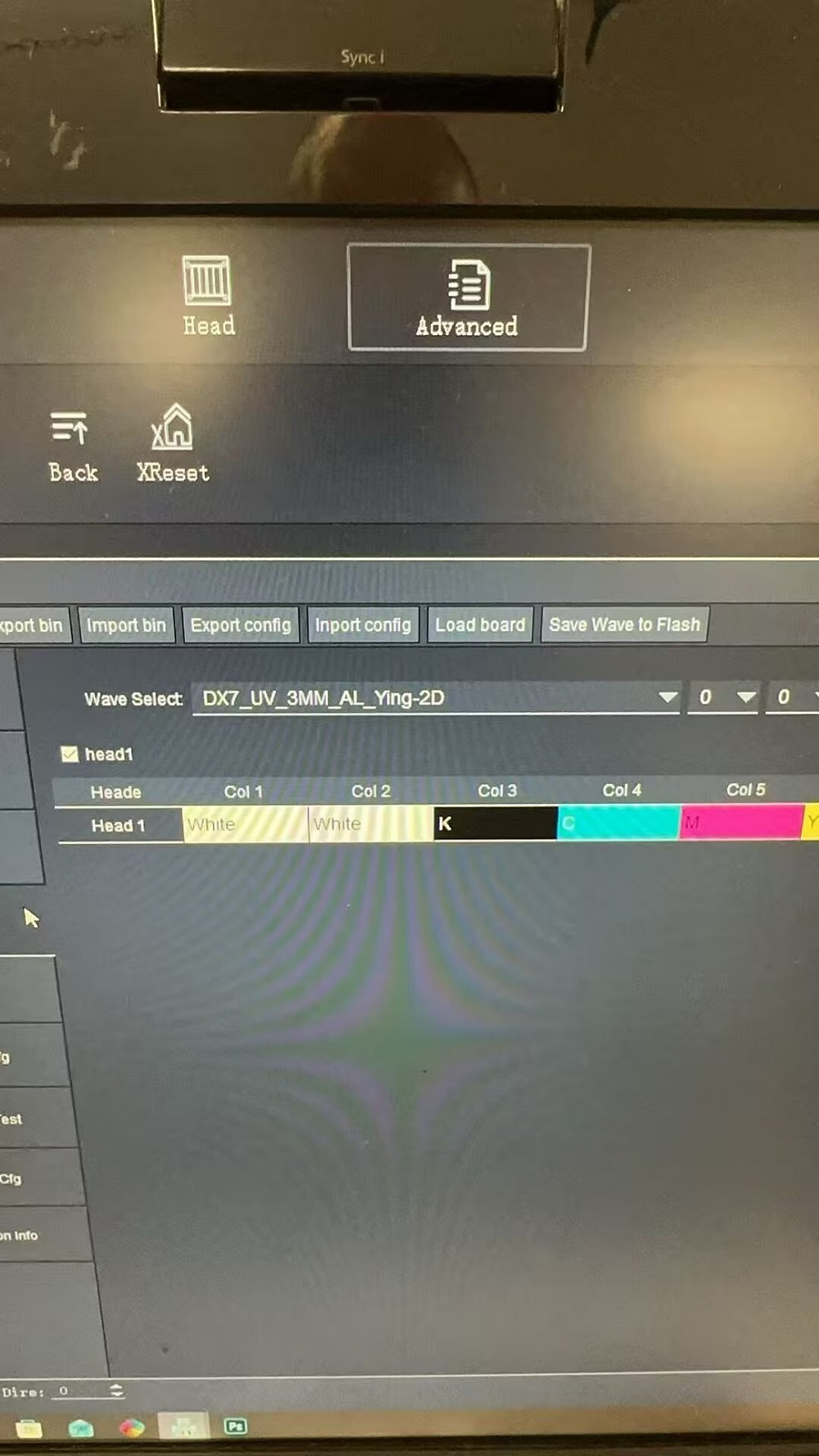
A: Select a waveform profile specific to this mode, then switch modes and restart the software.
Issue: After switching the A3 “2-in-1” unit to DTF mode, the printer fails to print onto the DTF film.
Solution: Adjust the X-offset parameter within the Advanced Settings menu.
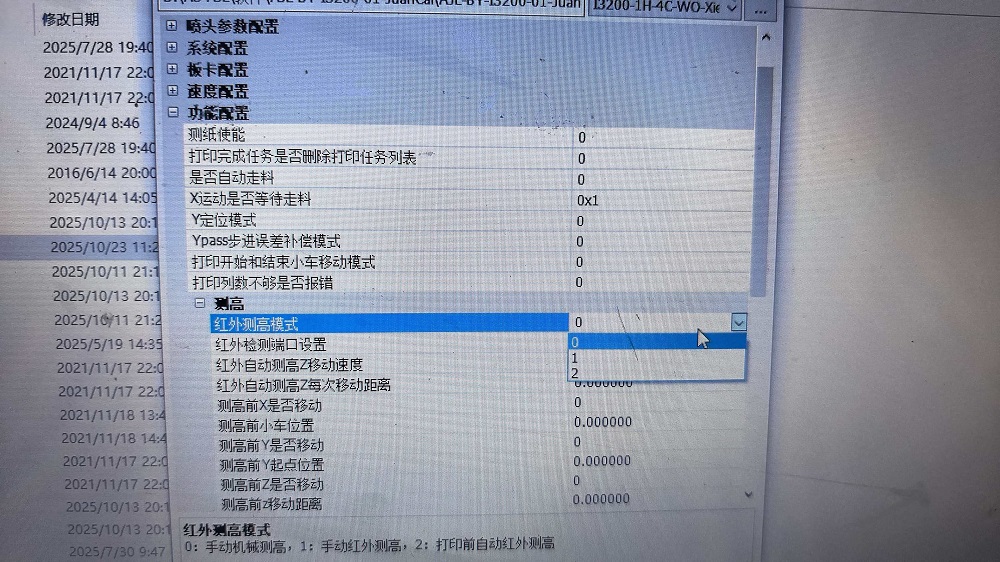
Q: The A3 “2-in-1” software consistently reports a collision detection error—regardless of whether the trigger was caused by the infrared beam sensor or an actual physical collision. If you are unable to be on-site, you can attempt to disable specific functions remotely to isolate the root cause.
A: 1. Disable the infrared beam monitoring function; simply change the corresponding parameter value from 1 to 0.
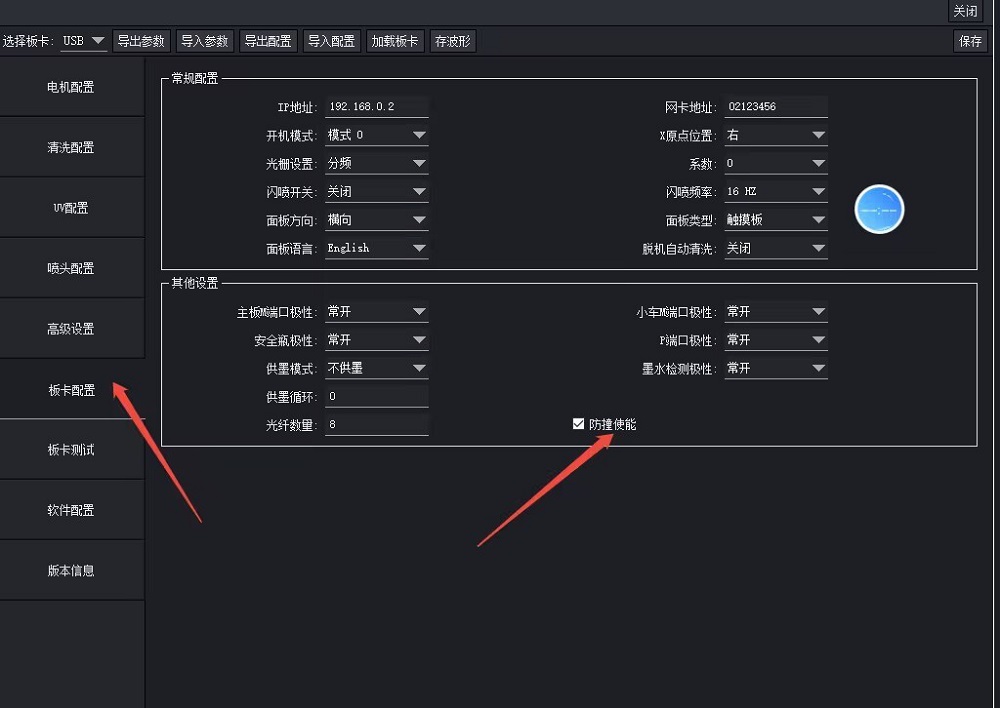
2. In the software’s Factory Mode, you can temporarily disable the collision detection system to facilitate testing.
Issue: After switching to DTF mode, the toolbar continues to display Z-axis-related functions.
Solution: The installed software version is outdated; the software developer must provide an updated version.
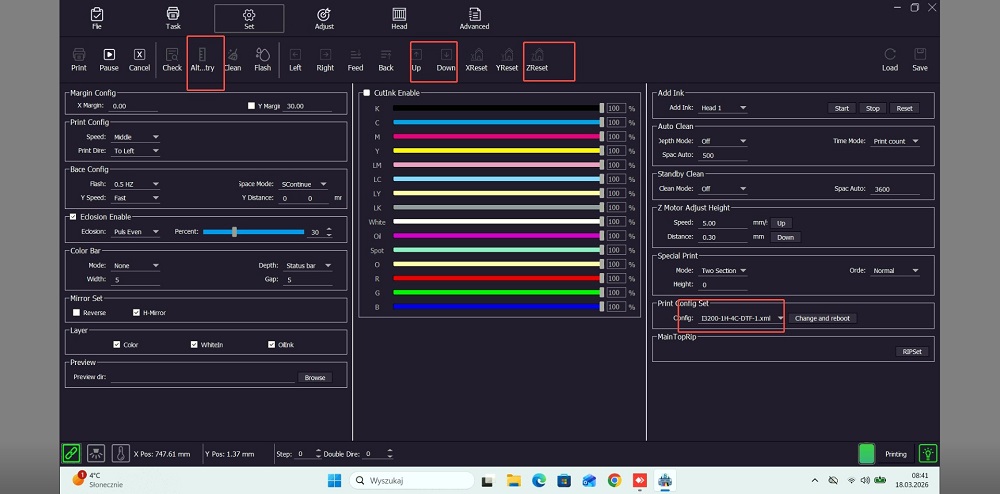
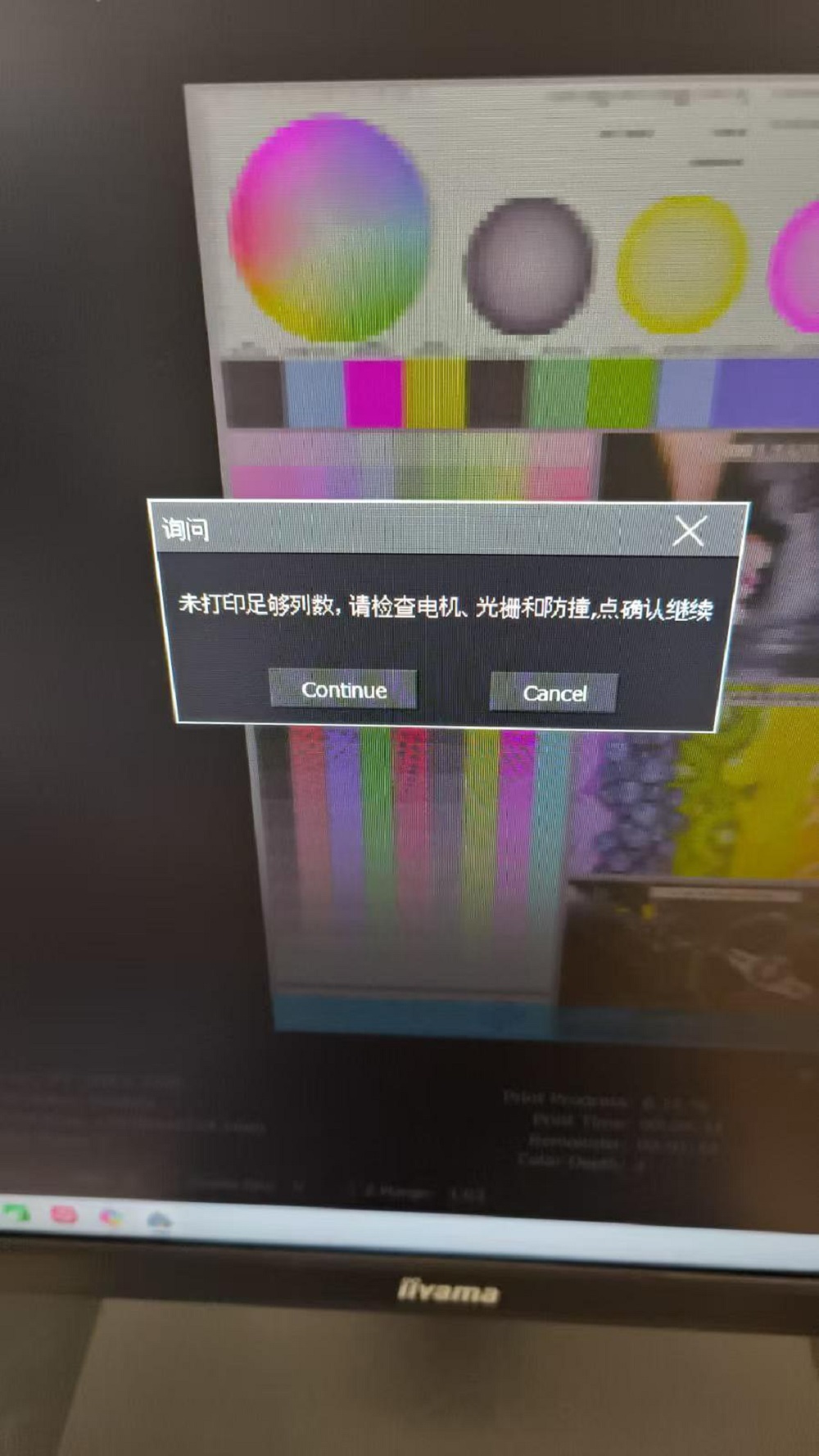
Error Message: “Insufficient number of columns printed.” Please inspect the motor, encoder strip, and collision detection sensor.
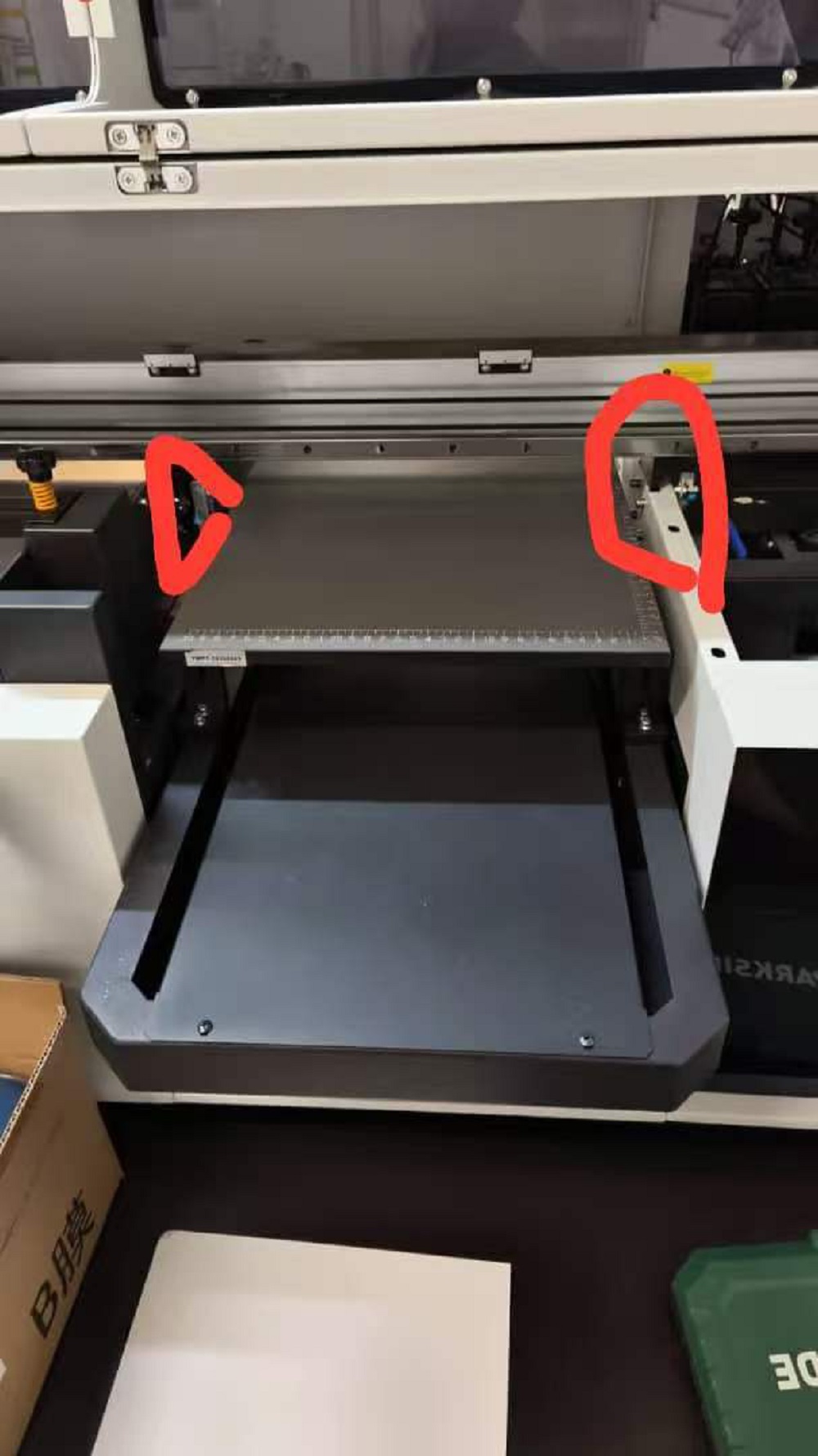
Solution: Check if the infrared sensor is obstructed or if the collision detection system has been triggered. Instruct the customer to inspect both the infrared sensor and the encoder strip; in this specific instance, the issue was resolved after powering off and restarting the machine.
BLOG
–Deliver our value with content.
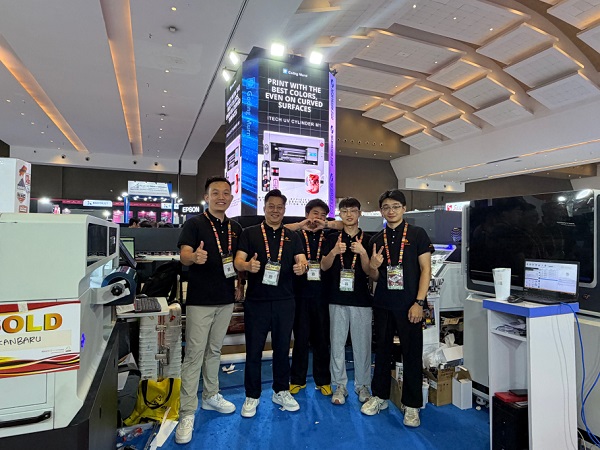
Ailygroup ALLPRINT INDONESIA 2026 | Digital Printing Machines Jakarta Expo
Ailygroup, a professional manufacturer of digital printing equipment based in Hangzhou, is delighted to participate in ALLPRINT INDONESIA 2026, the [...]
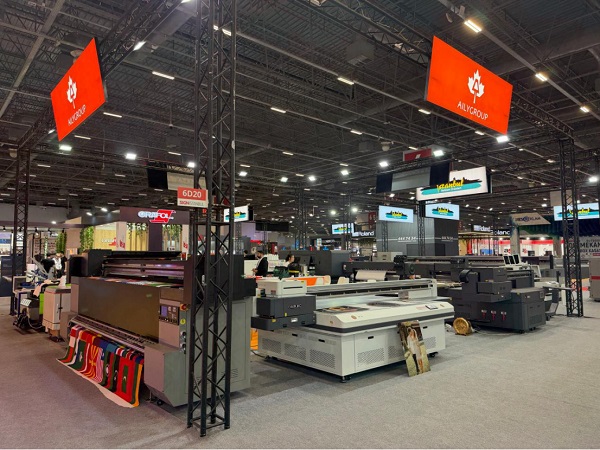
Ailygroup SIGN Istanbul 2026 | UV & DTF Digital Printing Machine Exhibition
Visit Ailygroup at SIGN Istanbul Turkey from September 23–26, 2026. Experience live demos of professional UV and DTF printing equipment [...]
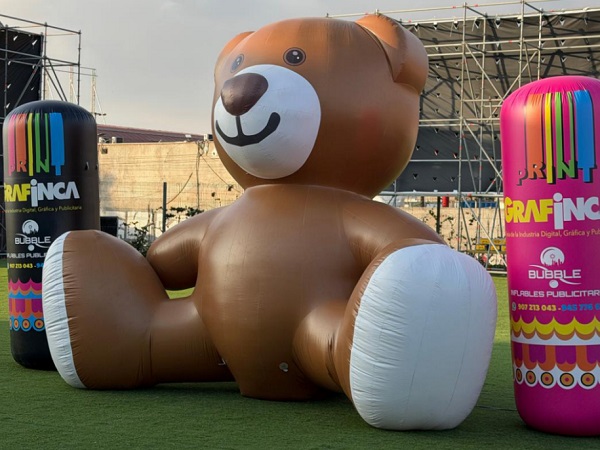
Ailygroup to Showcase UV & DTF Printers at GRAFINCA 2026 in Lima, Peru
Visit our booth at GRAFINCA 2026, September 17–20, to explore UV printers and DTF printing solutions for the Latin American [...]