
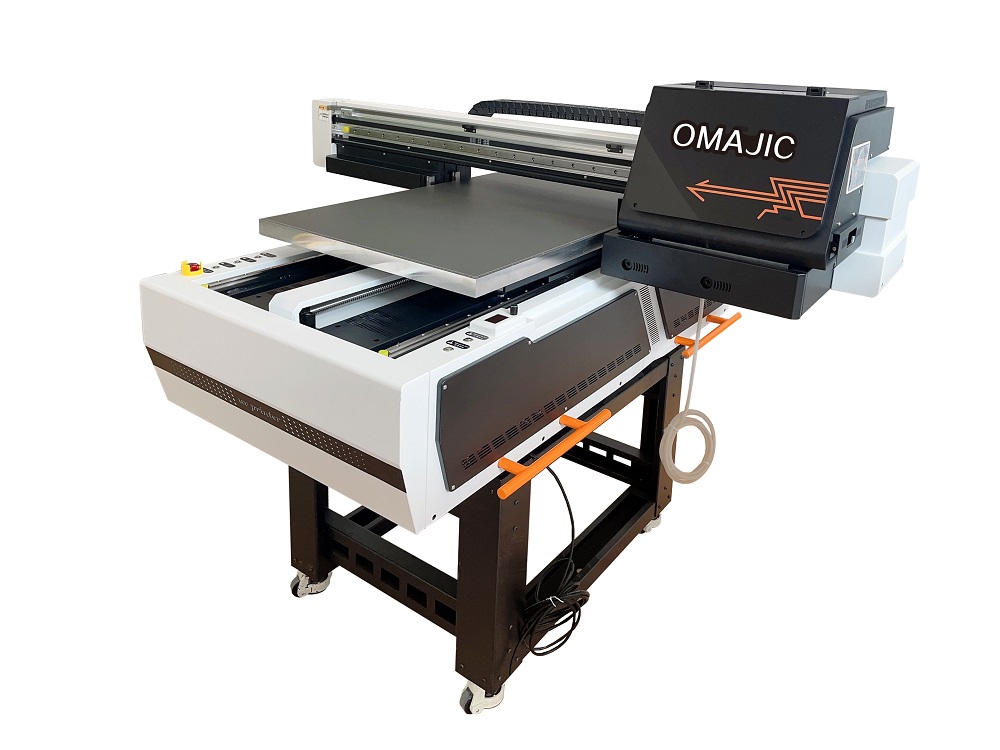
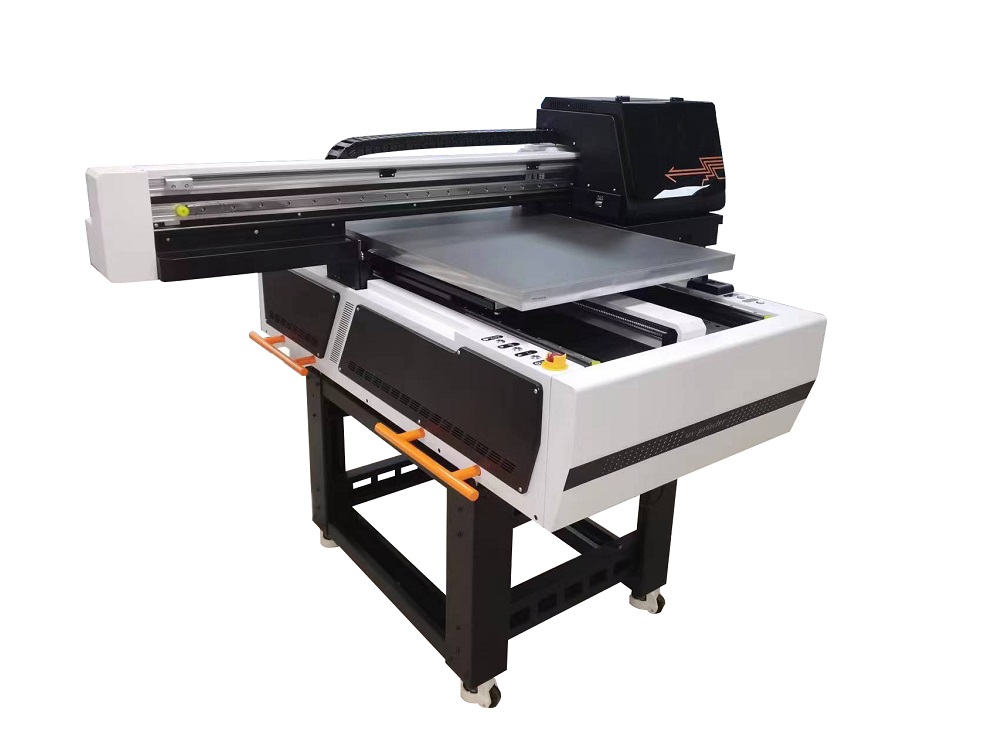
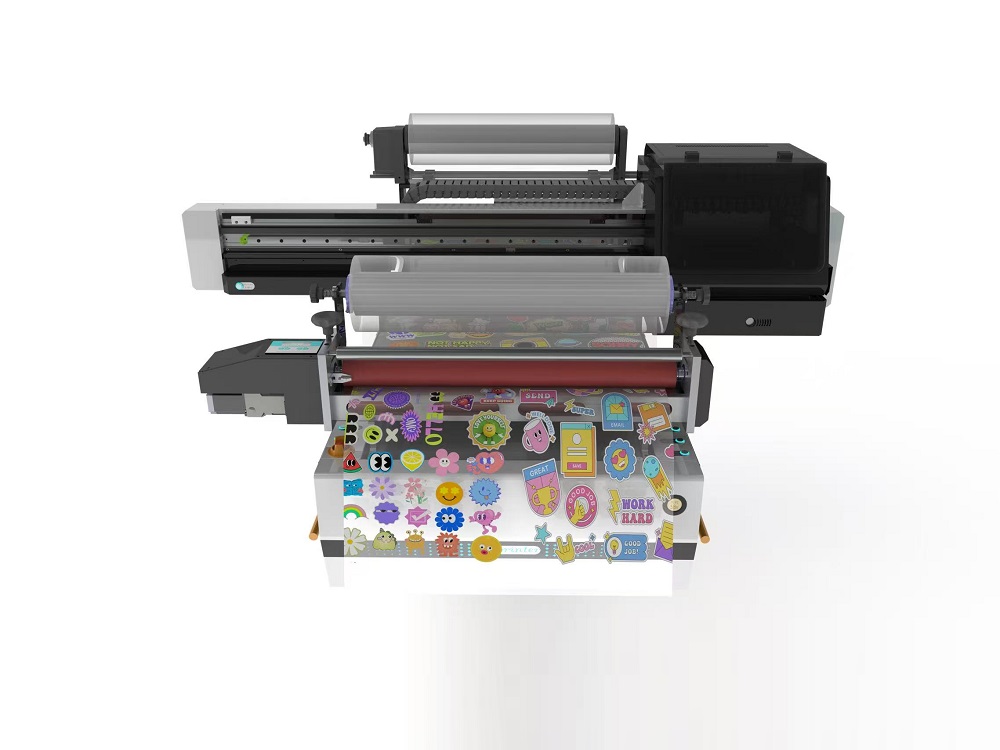
The OM-UV6090E UV Flatbed Printer flatbed printer with vision scanning is an intelligent production device designed for the high-precision, high-efficiency, and personalized customizationmarket. It solves the alignment problem in traditional printing through vision technology,making it particularly suitable for small and medium-sized processing plants and startup studios to undertake color graphic printing services on various small, rigid materials.
 OM-UV6090E UV Flatbed Printer Video
OM-UV6090E UV Flatbed Printer Details
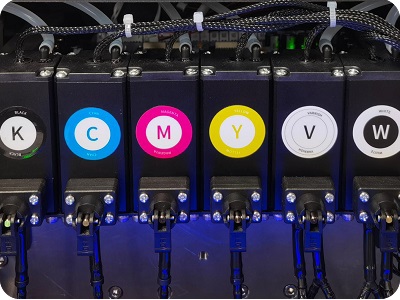
Negative Ink Supply System
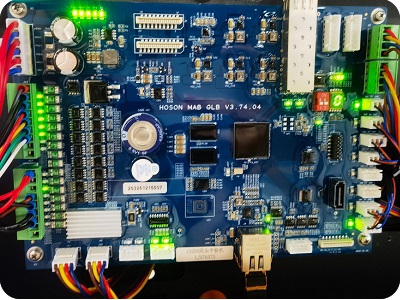
Hoson Mainboard
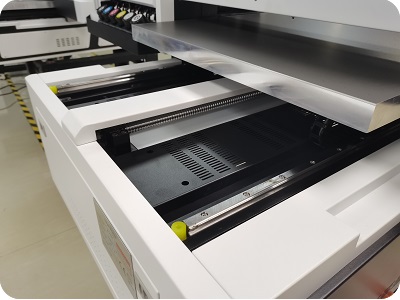
Double Y-axis Guiderail
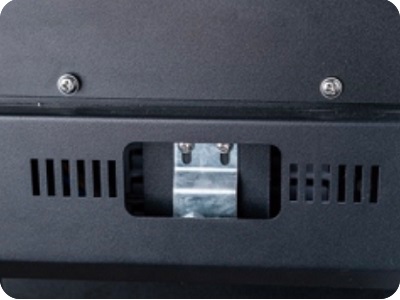
Carriage Anti-collision
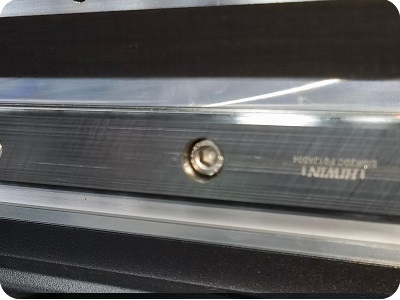
Hiwin Guiderail
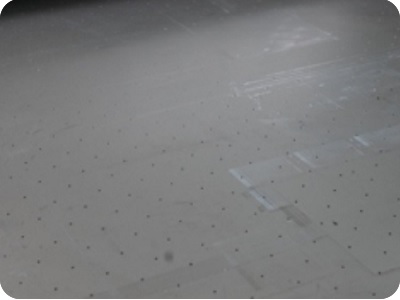
Aluminum Suction Platform
OM-UV6090E UV Flatbed Printer Specification
| Print Software | Ripprint/Phototprint |
| Printing Speed | 3pcs G5i: 6pass+720*900+Bi Direction +Eclosion20%: 6’22” 8pass+720*1200+Bi Direction +Eclosion20%:7’44” Xp600: Normal mode (59 seconds for A4 photos) Standard mode (2 minutes for A4 photos) Quality mode (4 minutes for A4 photos) I3200: 4pass:12sqm/h 6pass:10sqm/h 8pass:8sqm/h I1600: 4pass:6sqm/h 6pass:5sqm/h 8pass:4sqm/h |
| Ink Supply System | 500ml/Bottle, Secondary Ink Tank Automatic continuous ink supply, Negative Pressure, Alarming when less of ink |
| Printing Heads | 3pcs G5i Print Head (3pcs Epson Xp600/I1600-U1/I3200-U1 Optional) |
| Printing Board | Hoson |
| File Format | PDF,JPG,TIFF,EPS,AI,etc |
| Ink Colors | CMYK+W+V (Optional) |
| Working Environment | 40-60Degrees. |
| Package Info | 1570mm*1400mm*650mm; 140kg |
OM-UV6090E UV Flatbed Printer Application






OM-UV6090E UV Flatbed Printer FAQ
 OM-UV6090E UV Flatbed Printer FAQ
The OM-6090PRO uses a negative pressure ink supply system, while the ER-6090pro uses a siphon ink supply system.
Because the quality is higher than economic model, and more durable.
1. Problem: Software indicates an abnormal voltage reading.
Solution: The voltage is too high; lower the temperature to regulate the indoor environment.
2. Problem: The printer is exhibiting “ink-flying” (erratic ink ejection), and the issue persists—it cannot be resolved.
Solution: Check the following three areas: the power switch status, the software settings, and the input voltage to ensure there are no anomalies.
3. Problem: The machine was previously functioning normally, but now the black section of the test strip appears faint.
Solution: The customer reported that replacing the ink sac resolved the issue; the original ink sac was likely partially clogged.
4. Problem: The test strip on a new machine is incomplete or imperfect.
Solution: It is necessary to purge the air from the system and upload the waveform data.
BLOG
–Deliver our value with content.
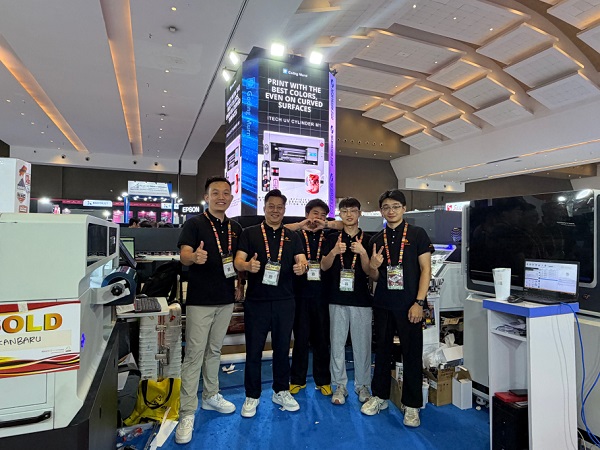
Ailygroup ALLPRINT INDONESIA 2026 | Digital Printing Machines Jakarta Expo
Ailygroup, a professional manufacturer of digital printing equipment based in Hangzhou, is delighted to participate in ALLPRINT INDONESIA 2026, the [...]
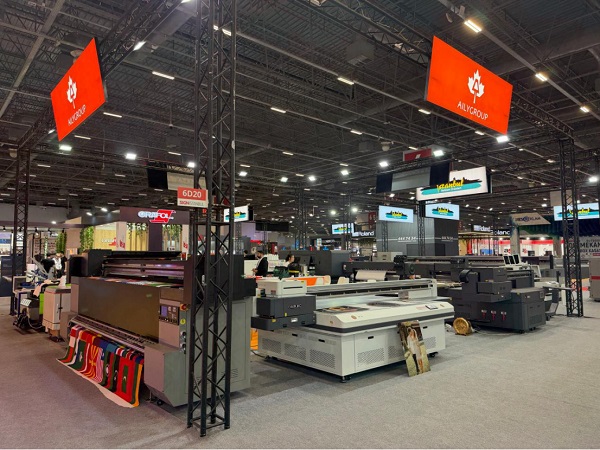
Ailygroup SIGN Istanbul 2026 | UV & DTF Digital Printing Machine Exhibition
Visit Ailygroup at SIGN Istanbul Turkey from September 23–26, 2026. Experience live demos of professional UV and DTF printing equipment [...]

Ailygroup to Showcase UV & DTF Printers at GRAFINCA 2026 in Lima, Peru
Visit our booth at GRAFINCA 2026, September 17–20, to explore UV printers and DTF printing solutions for the Latin American [...]