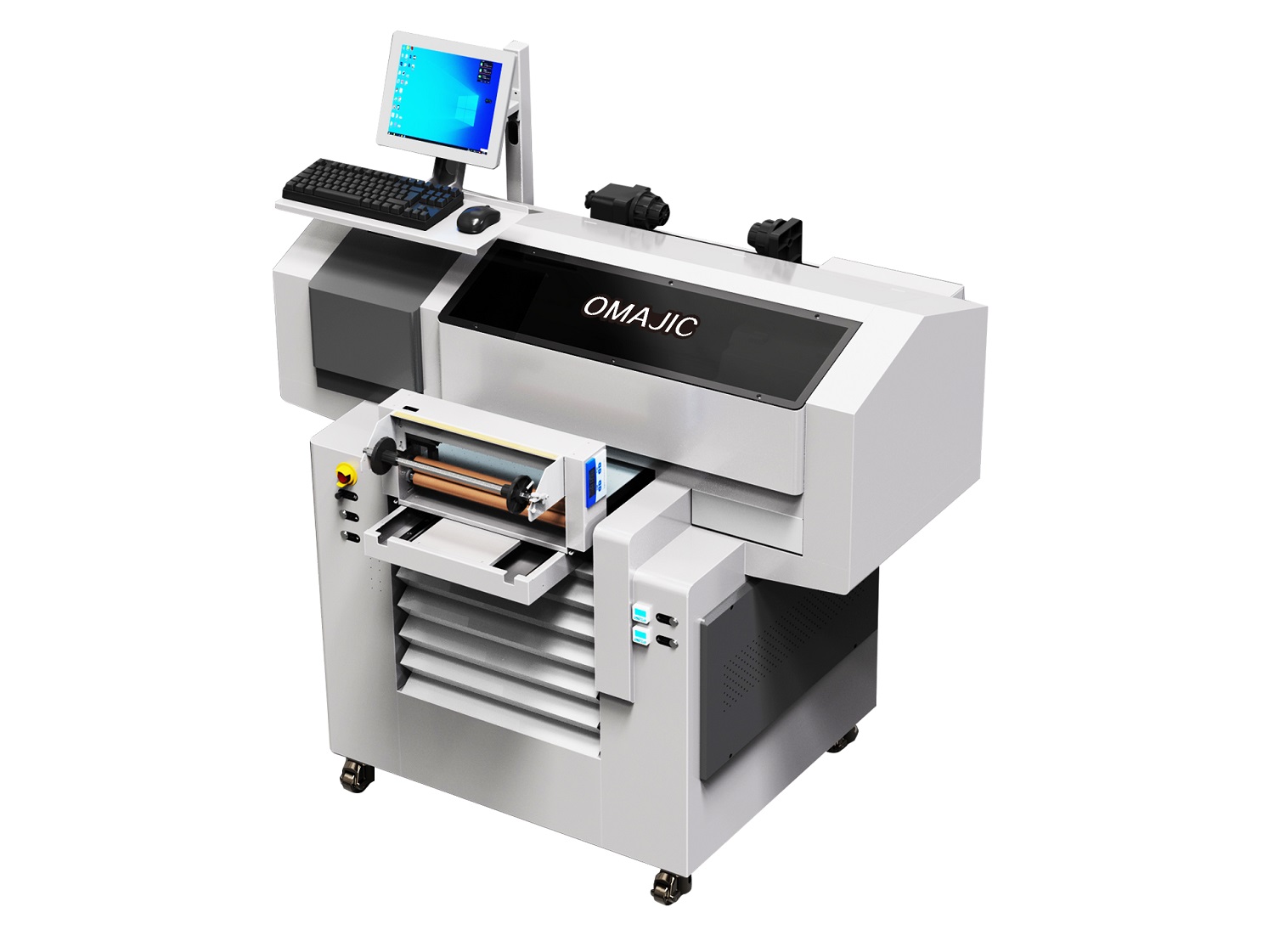
The 4062 UV flatbed printer with Al scanning is a top-of-the-line piece of equipment designed for large-scale industrial production. It combines an ultra-large printing area with cutting-edge Al intelligence, solving not only the problem of “making large prints” but also the core needs of modern production: “making prints quickly, accurately, and cost-effectively.”
 OM-4062Pro UV Flatbed Printer Video
OM-UV4062Pro UV Flatbed Printer Details
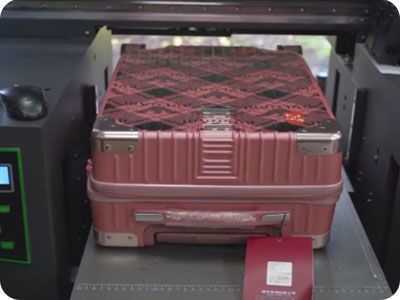
Max 400mm Print Height
The printhead can be raised to aposition up to 400mm above theplatform surface, enabling printingon very thickor three-dimensional sur.
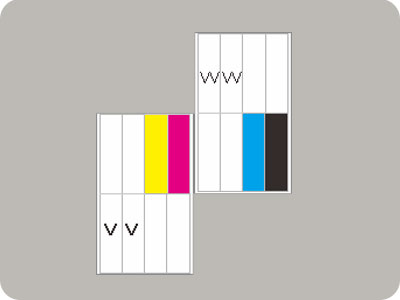
2Pcs Epson l1600 Can Print CMYK W V
Utilizing the high-precision Epson I1600 piezoelectric printhead, ensuring both excellent print quality and high printing speed. Ink System: Equipped with a comprehensive 6-color ink system (C, M, Y, K, W, W), enabling standard color printing.
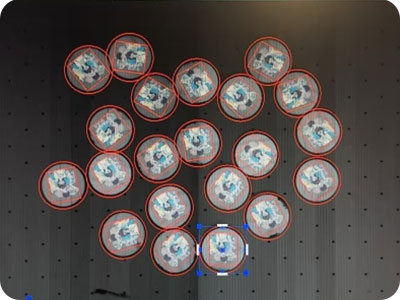
300 DPI Latest AI Scanner Positioning UV Printing
The 4062 UV flatbed printer integrates 300 DPI high precision and the latest AI visual positioning technology, making it a model of precision automation and intelligent manufacturing.
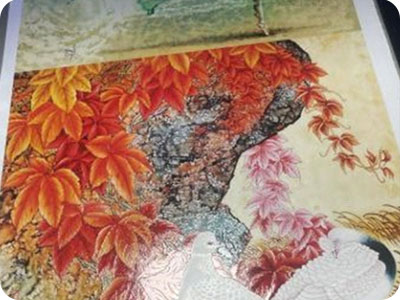
2.5-3D Embossed Tactile Printing
The 4052 UV flatbed printer, equipped with 2.5D and 3D embossed tactile printing capabilities, is a cutting-edge device that pushes digital printing technology toward greater three-dimensional effects and tactile sensation.
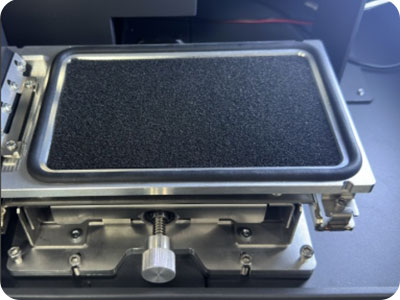
None after-service negative ink supply system
Minimizes routine maintenance, eliminates printing interruptions caused by ink supply issues, and significantly reduces users’ long-term operating costs and concerns.
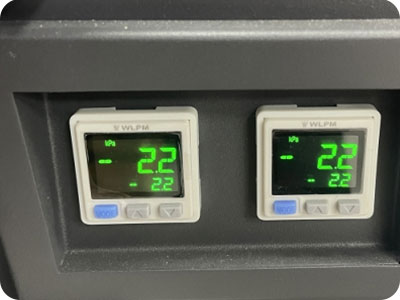
Automatic Maintenance Every 6 Hours with Auto Ink Pressurization
The printer system automatically performs a preset and efficient printhead maintenance program every 6 hours.
OM-UV4062Pro Smart Industrial Flatbed UV Printer Specification
| Print Software | Ripprint/Phototprint |
| All-In-One Computer Configurations | 8th Generations i7-8750H Processor, 64G/128G, 15.6-inch 1920×1080 Touch Screen |
| Machine Functions | 400mm Print Height, UV AI Scanner, Auto Moisturizing&Pressing Ink |
| Printing Heads | 2pcs Epson Original I1600-U1 |
| Machine Configurations | Hiwin Guiderail, Leadshine Motor, Negative Capping Stations, All-In-One Computer(optional) |
| Printing Speed | 6pass 2㎡/h,8pass 2㎡/h,12pass 1.2㎡/h |
| Print Colors | CMYK W V |
| Working Environment | 1350*1000*1300mm Space, 1500W Electricity Power, 25℃-30℃ humidty50%-70% |
| Package Info | 1500*1150*1500,230KG, 2.59m³, 6sets/ Per 20ft, 12sets/Per 40ft |
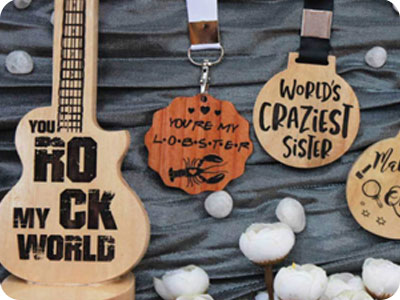
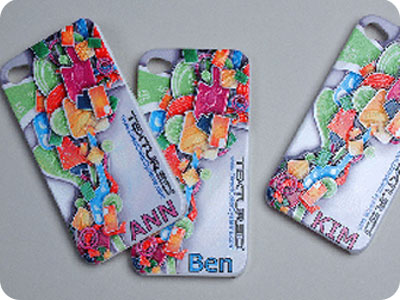
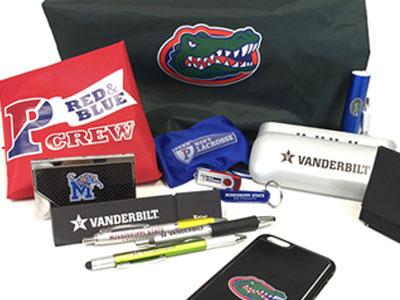
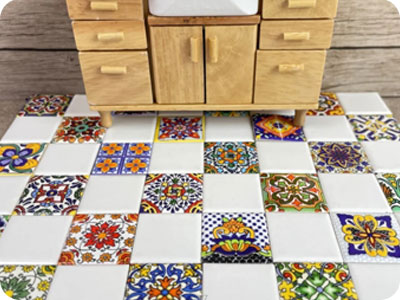
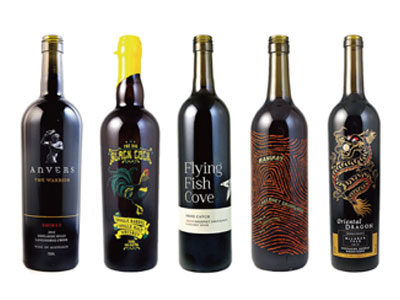
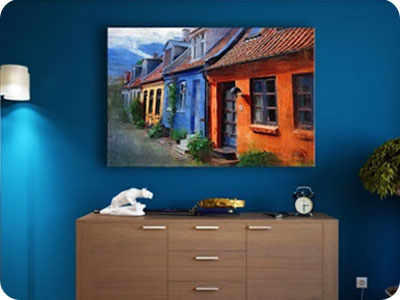
OM-UV4062Pro UV Flatbed Printer Application
OM-UV4062Pro UV Flatbed Printer FAQ
 OM-UV4062Pro UV Flatbed Printer FAQ
Negative pressure ink supply system
It utilizes negative pressure to draw ink, replacing the traditional method of supplying ink through ink cartridges and ink pads.
1. Negative pressure ink supply system;
2. Ink stack moisturizing function;
3. Maximum printing height of 40cm, capable of printing on suitcases;
4. Equipped with two EPSON i600U1 printheads, capable of printing CMYK+W+V.
Problem: The printed red test strip is not straight; it appears curved.
Solution: Inspection revealed that the ink had expired; the ink needs to be replaced.
Problem: The print head is constantly jetting (uncontrollable firing).
Solution: 1. Print head issue: Replace the print head.
2. Ribbon cable issue: The connection is incorrect; replace the cable or reconnect it using the proper procedure.
3. Head board issue: Replace the head board.
Problem: When the print width exceeds 350mm, a “Width Exceeded” error occurs.
Solution: The X-margin setting is too large, the X-offset value is excessive, the buffer distance is misconfigured, or the calibration parameters are incorrect. Check the relevant parameters; the issue was ultimately resolved by re-importing the firmware.
Problem: The customer encounters an error when using the vision software to import a .prn file.
Solution: All current ICC screening methods used by RIIN are encrypted. Replace the ICC profile or modify the ICC profile’s screening method.
BLOG
–Deliver our value with content.
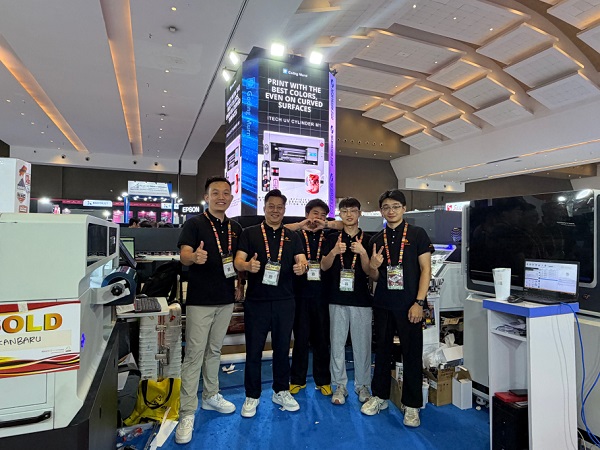
Ailygroup ALLPRINT INDONESIA 2026 | Digital Printing Machines Jakarta Expo
Ailygroup, a professional manufacturer of digital printing equipment based in Hangzhou, is delighted to participate in ALLPRINT INDONESIA 2026, the [...]
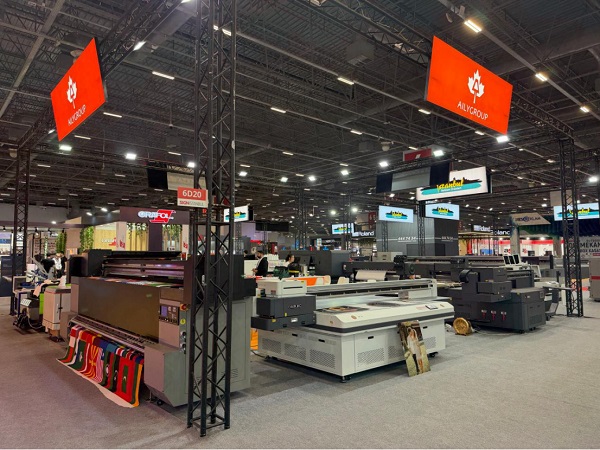
Ailygroup SIGN Istanbul 2026 | UV & DTF Digital Printing Machine Exhibition
Visit Ailygroup at SIGN Istanbul Turkey from September 23–26, 2026. Experience live demos of professional UV and DTF printing equipment [...]
Ailygroup to Showcase UV & DTF Printers at GRAFINCA 2026 in Lima, Peru
Visit our booth at GRAFINCA 2026, September 17–20, to explore UV printers and DTF printing solutions for the Latin American [...]