
The OM-UV6090PRO flatbed printer with vision scanning is an intelligent production device designed for the high-precision, high-efficiency, and personalized customizationmarket. It solves the alignment problem in traditional printing through vision technology,making it particularly suitable for small and medium-sized processing plants and startup studios to undertake color graphic printing services on various small, rigid materials.
 OM-UV6090Pro UV Flatbed Printer Video
OM-UV6090Pro UV Flatbed Printer Details
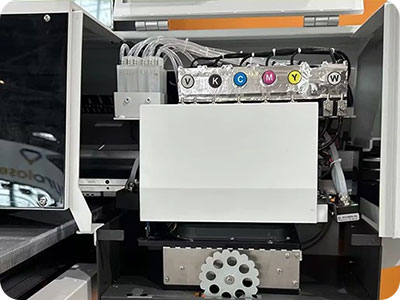
Negative pressure ink supply system
Reduce the common blockage and ink leakage problems of traditional ink supply systems and reduce the frequency of after-sales maintenance.
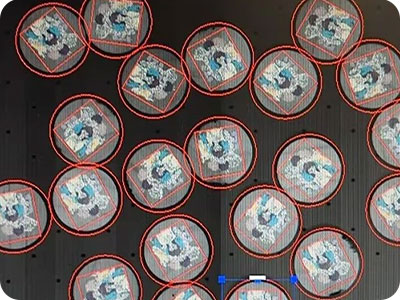
Automatic AI scanner positioning function
Real-time distortion correction (eliminating lens barrel distortion), perspective transformation (correction of oblique angle shooting).Template matching (mark point recognition), edge detection (Canny algorithm) based on OpenCV.
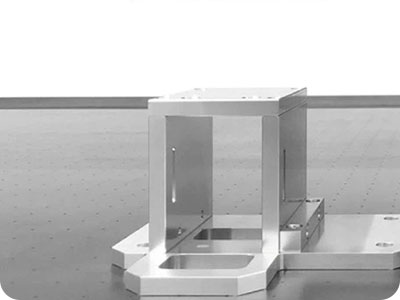
Anti-collision system is equipped
The anti-collision device detects and stops movement in time through sensors or mechanical limiters to prevent the print head from hitting the platform or other components.
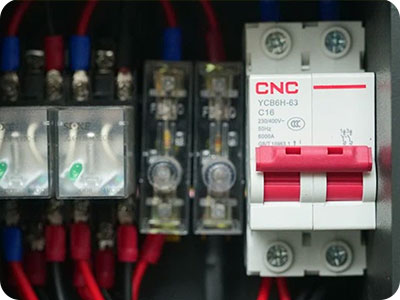
Branded circuit breaker
When the printer is overloaded (such as motor stalling, heating system abnormality) and the current exceeds the rated value, the circuit breaker will automatically trip and cut off the power supply to prevent the equipment from being damaged or causing a fire due to overheating.
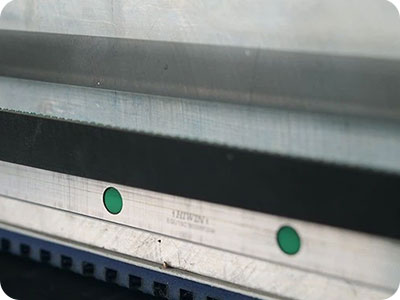
One-time molding aluminum beam
Ensure that the nozzle carriage moves smoothly and at high speed.High-rigidity aluminum alloy can resist inertial deformation during nozzle acceleration/sudden stop
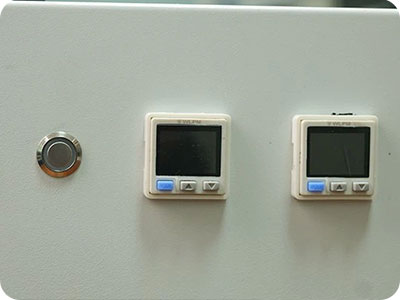
Automatic Maintenance Every 6 hours Auto Pressing Ink
The printer system automatically performs a preset, efficient printhead maintenance program every 6 hours.
OM-UV6090Pro UV Flatbed Printer Specification
| Print Software | Ripprint/Phototprint |
| Printing Speed | I3200:6pass8㎡/h,8pass 6㎡/h,12pass 4㎡/h, I1600:6pass 4㎡/h,8pass 3㎡/h,12pass 2㎡/h |
| Machine Functions | 130mm Print Height, UV AI Scanner, Auto Moisturizing&Pressing Ink |
| Printing Heads | 3-4pcs Epson Original I3200U/1600-U |
| Machine Configurations | Hiwin Guiderail, Leadshine Motor, Negative Capping Stations, All-In-One Computer(optional) |
| All-In-One Computer Configurations | 8th Generations i7-8750H Processor, 64G/128G, 15.6-inch 1920×1080 Touch Screen |
| Print Colors | CMYK W V |
| Working Environment | 1820*1620*1400mm Space, 2000W Electricity Power, 25℃-30℃ humidty50%-70% |
| Package Info | 1900*1700*1100mm ,480KG, 3.5m³ |
OM-UV6090Pro UV Flatbed Printer Application



OM-UV6090Pro UV Flatbed Printer FAQ
 OM-UV6090Pro UV Flatbed Printer FAQ
The OM-6090PRO uses a negative pressure ink supply system, while the ER-6090pro uses a siphon ink supply system.
Because the quality is higher than economic model, and more durable.
1. Problem: Software indicates an abnormal voltage reading.
Solution: The voltage is too high; lower the temperature to regulate the indoor environment.
2. Problem: The printer is exhibiting “ink-flying” (erratic ink ejection), and the issue persists—it cannot be resolved.
Solution: Check the following three areas: the power switch status, the software settings, and the input voltage to ensure there are no anomalies.
3. Problem: The machine was previously functioning normally, but now the black section of the test strip appears faint.
Solution: The customer reported that replacing the ink sac resolved the issue; the original ink sac was likely partially clogged.
4. Problem: The test strip on a new machine is incomplete or imperfect.
Solution: It is necessary to purge the air from the system and upload the waveform data.
BLOG
–Deliver our value with content.
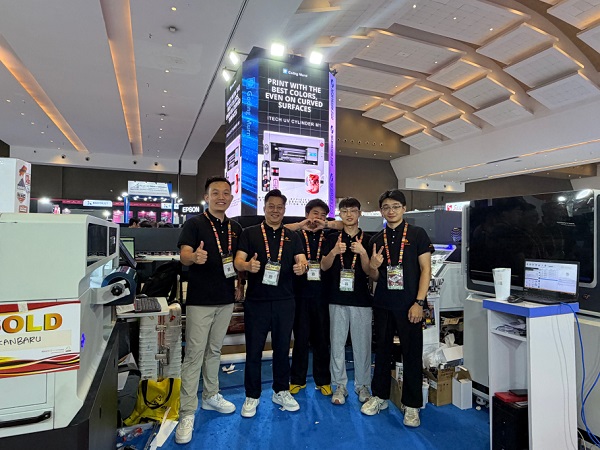
Ailygroup ALLPRINT INDONESIA 2026 | Digital Printing Machines Jakarta Expo
Ailygroup, a professional manufacturer of digital printing equipment based in Hangzhou, is delighted to participate in ALLPRINT INDONESIA 2026, the [...]
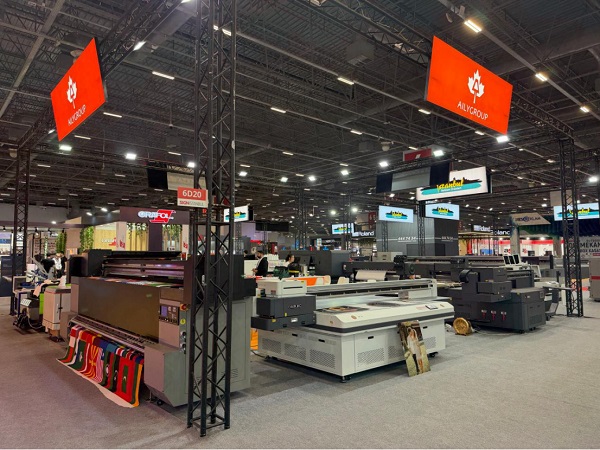
Ailygroup SIGN Istanbul 2026 | UV & DTF Digital Printing Machine Exhibition
Visit Ailygroup at SIGN Istanbul Turkey from September 23–26, 2026. Experience live demos of professional UV and DTF printing equipment [...]
Ailygroup to Showcase UV & DTF Printers at GRAFINCA 2026 in Lima, Peru
Visit our booth at GRAFINCA 2026, September 17–20, to explore UV printers and DTF printing solutions for the Latin American [...]