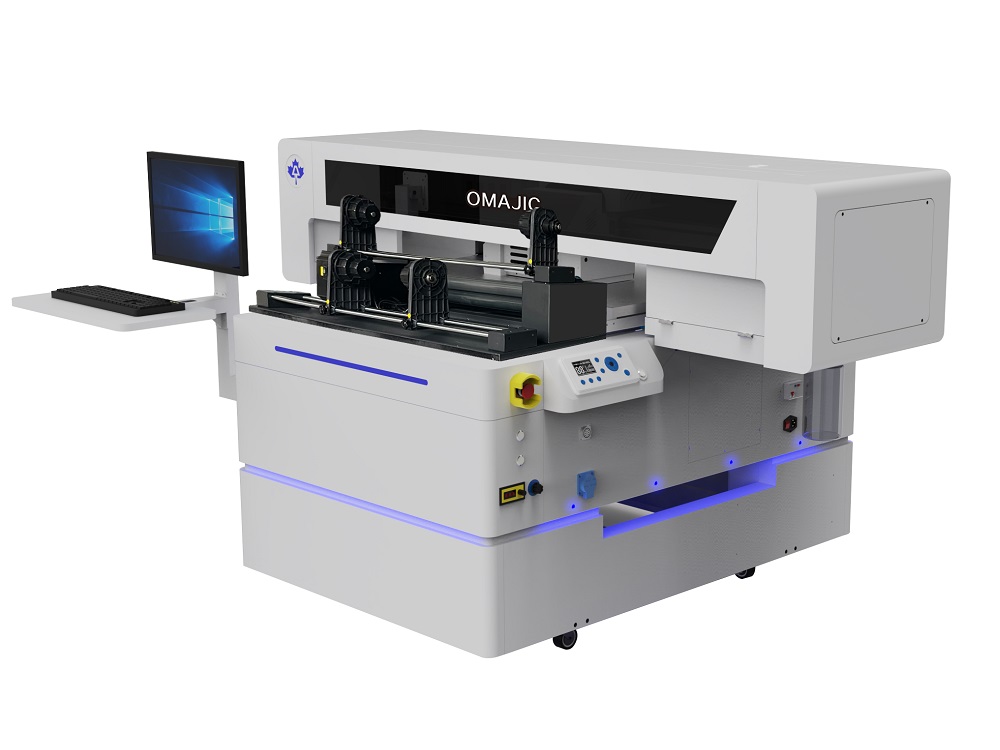
The OM-UV9060MAX UV Flatbed Printer is an industrial-grade digital printing device.The “9060” in its name represents its maximum print size of 90 cm x 60 cm. This modelis very popular in industries such as advertising processing and personalized customization due to its moderate size and powerful functions.
 OM-UV9060MAX UV Flatbed Printer Video
OM-UV9060MAX UV Flatbed Printer Details
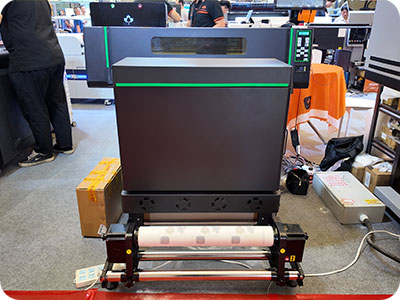
Save 3.3 times the volume
40 feet load 28 sets 60cm DTF. other normally DTF printer only can loading 12 sets, Saving 3.3 timessea cost.
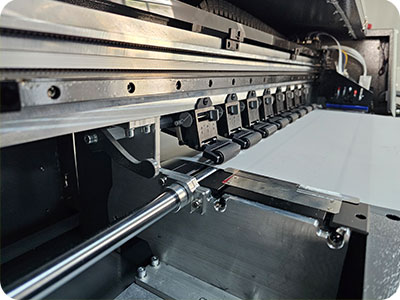
Electrical pinch roller
Reduce paper jams and skewing, improve print quality
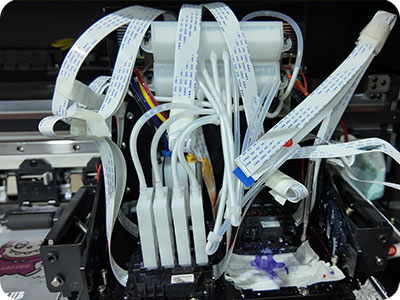
Capping station moisture system
off working, always keeping head wet. No blocking.
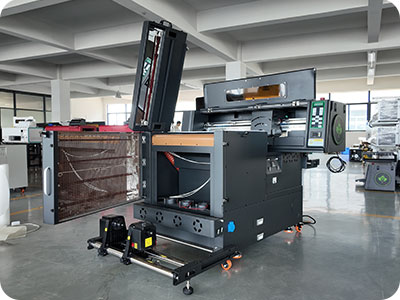
Printing, shaker, filter all in one setup
Easily move and save space
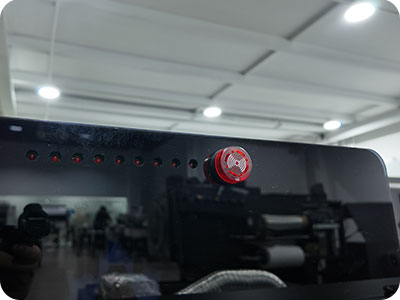
Low ink alarm
Low ink alarm is equipped to protect the printer
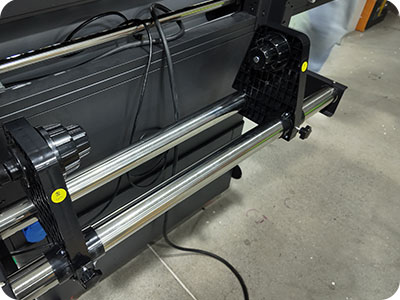
Take-up system
Well-designed media take-up system with both motors
OM-UV9060MAX UV Flatbed Printer Specification
| Print Software | Phototprint/Maintop |
| Printing Speed | 4*i3200A 4pass:10㎡/h,6pass:8㎡/h |
| Machine Functions | One-button automatic cleaning system, Al visual scanningpositioning system, Z-axis automatic height measurement |
| Printing Heads | 4pcs Epson I3200-U1 |
| Machine Configurations | Hiwin Guide rail,Leadshine Motor,All-In-One Computer(optional) |
| All-In-One Computer Configurations | 8th Generations i7-8750H Processor,64G/128G 15.6-inch 1920×1080 Touch Screen |
| Print Colors | CMYK WV |
| Working Environment | 4500W Electricity Power :22°C-28°C humidty 40%-60% |
| Package Info | 2140*1660*1160mm,4.12m³ |
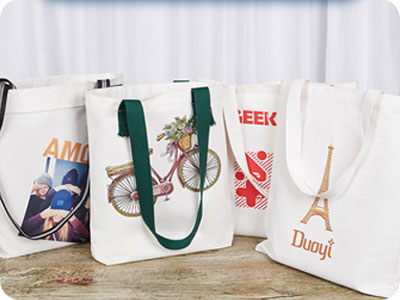
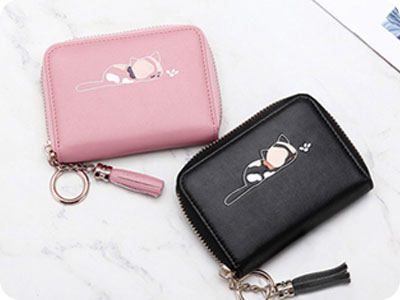
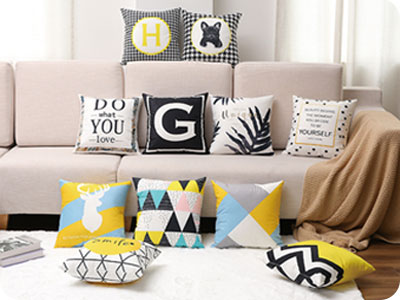
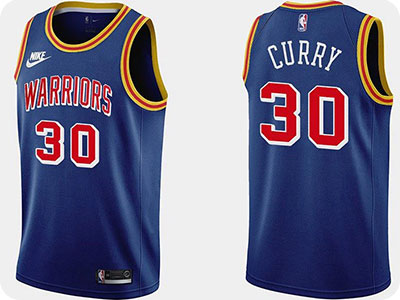
OM-UV9060MAX UV Flatbed Printer Application
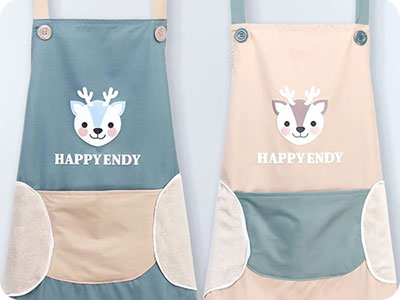
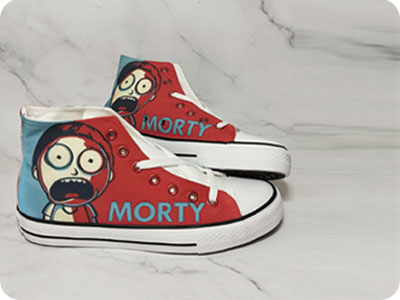
OM-UV9060MAX UV Flatbed Printer FAQ
 OM-UV9060MAX UV Flatbed Printer FAQ
Can print golden an silver varnish, and laminate with golden an silver foil
4*i3200A4pass:10m2/h,6pass:8m2/h
1. Problem: Curling Mode — The final section of the UV print remains uncured.
Solution: Check and adjust the position of the UV lamp; verify UV lamp settings and the software’s curing delay parameters.
2. Problem: The varnish finish lacks gloss.
Solution: The UV lamp is positioned too far forward, resulting in insufficient leveling distance; the number of print passes is too low. Increase the number of passes.
3. Problem: The option for multiple varnish layers is unavailable.
Solution: The current firmware does not support this feature; a firmware modification is required.
4. Problem: Red ink is skipping (ink flow interruption).
Solution: The ink damper is defective. Replace the ink damper.
BLOG
–Deliver our value with content.
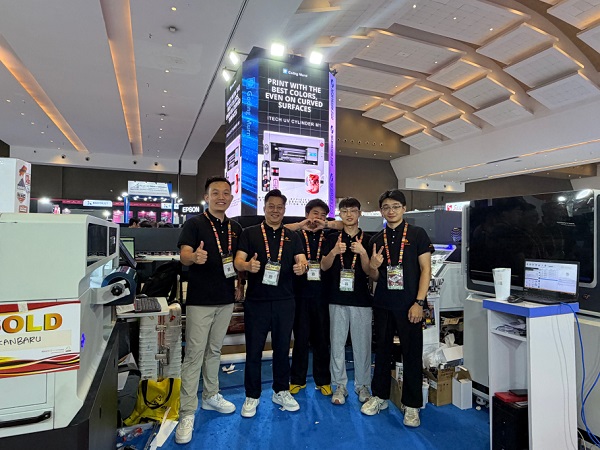
Ailygroup ALLPRINT INDONESIA 2026 | Digital Printing Machines Jakarta Expo
Ailygroup, a professional manufacturer of digital printing equipment based in Hangzhou, is delighted to participate in ALLPRINT INDONESIA 2026, the [...]
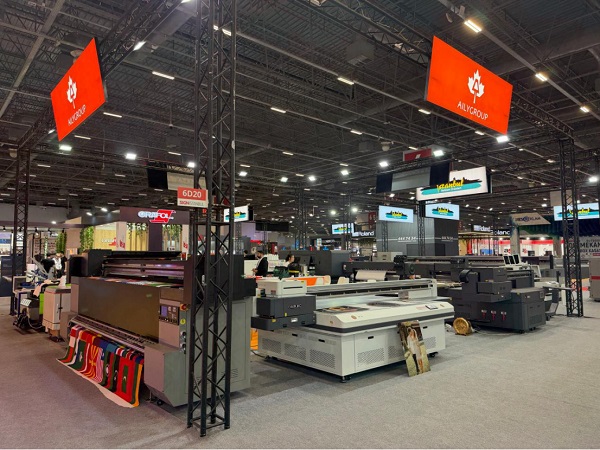
Ailygroup SIGN Istanbul 2026 | UV & DTF Digital Printing Machine Exhibition
Visit Ailygroup at SIGN Istanbul Turkey from September 23–26, 2026. Experience live demos of professional UV and DTF printing equipment [...]
Ailygroup to Showcase UV & DTF Printers at GRAFINCA 2026 in Lima, Peru
Visit our booth at GRAFINCA 2026, September 17–20, to explore UV printers and DTF printing solutions for the Latin American [...]