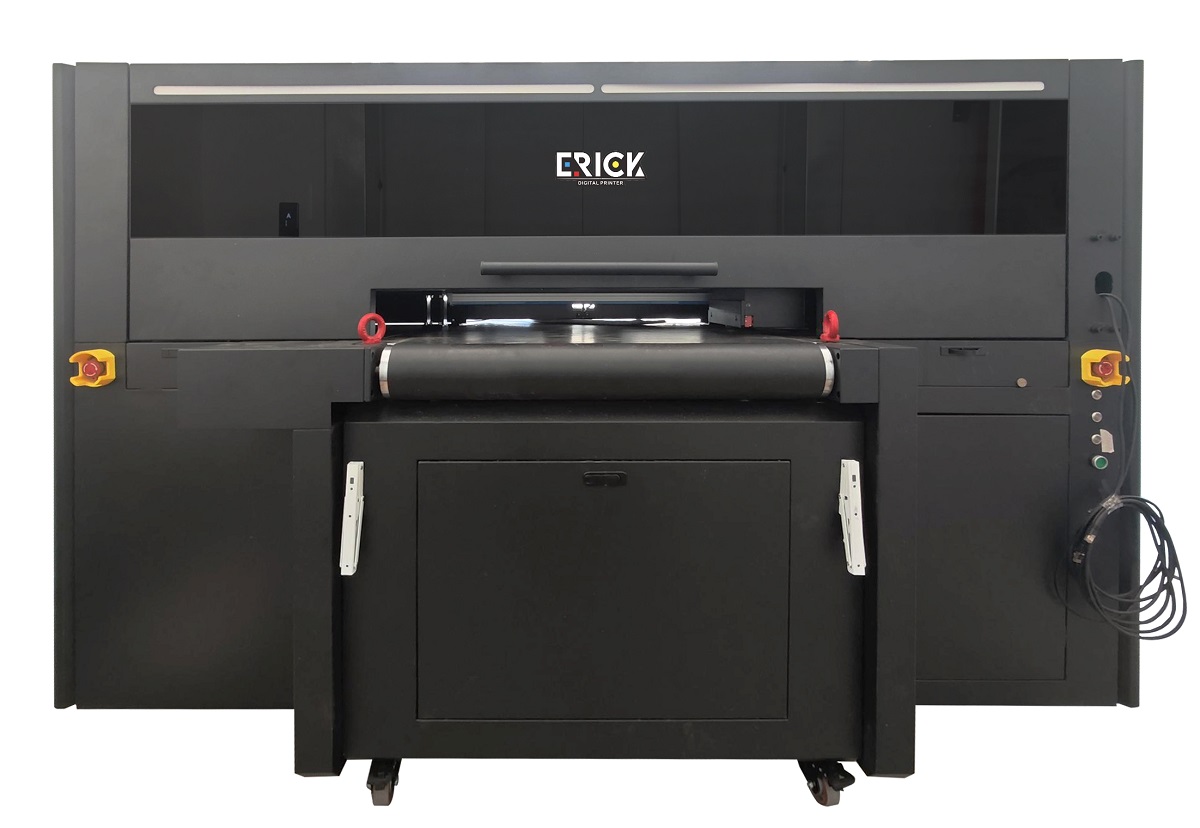
The ER-HD800 UV Non-Stop Al Scanner Printer represents the highest level of automation in the UV flatbed printing field. If you have a large volume of standardized products that need printing, this equipment will be the ultimate tool to enhance your competitiveness.
 ER-HD800 UV Non-Stop Al Scanner Printer Video
ER-HD800 UV Non-Stop Al Scanner Printer Details
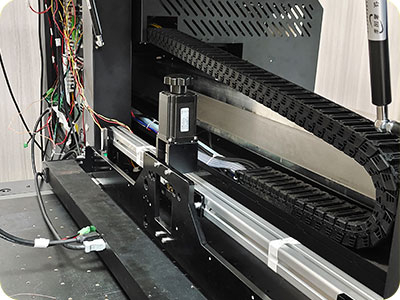
600dpi Latest UV Ai Scanner
Real-time distortion correction (eliminating lens barrel distortion), perspective transformation (correction of oblique angle shooting).

Assembly Production Line for small items
The core process of a highly automated production system is: automatic feeding → precise positioning → printing/empowerment → automatic unloading/sorting.
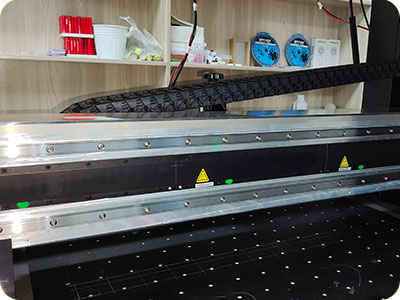
Magnetic Levitations guiderailsmooth and mute
This is not only a competition of production efficiency, but also the ultimate guarantee of production quality and stability, making it particularly suitable for top manufacturers with stringent requirements for precision, efficiency, and production environment.
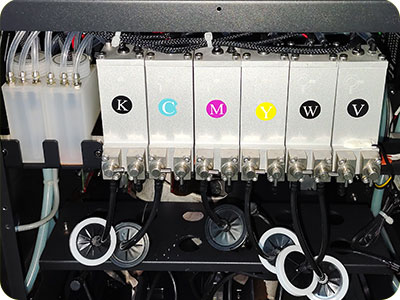
None after-service negativeInk supply system
Reduce the common blockage and ink leakage problems of traditional ink supply systems and reduce the frequency of after-sales maintenance.
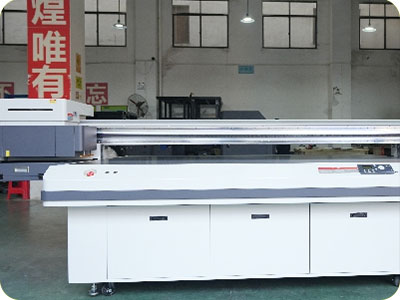
Production Powerful As 2 sets 2513
The UV printer with AI scanning and a non-stop conveyor system has a very high production capacity; the output of one machine is equivalent to that of two traditional ‘2513’ model UV flatbed printers.
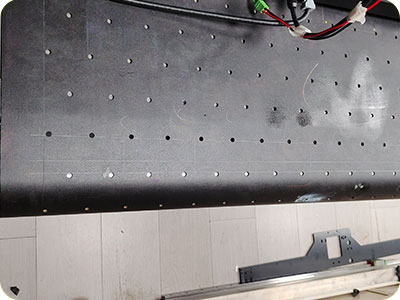
Belt NonstopTransportation System
The UV non-stop AI scanning printer with a belt-driven uninterrupted conveyor system has transcended the scope of “a printer.”
ER-HD800 UV Non-Stop Al Scanner Printer Specification
| Print Software | Ripprint/Phototprint |
| Printing Speed | G6:4pass 16㎡/h,6pass 12㎡/h |
| Machine Functions | 600mm Belt Length, UV Al Scanner,Belt transportation system |
| Printing Heads | 4-8pcs Ricoh G6 |
| Machine Configurations | THK Guiderail, Leadshine Motor, Negative CappingStations, All-In-One Computer(optional) |
| All-In-One Computer Configurations | 8th Generations i7-8750H Processor,64G/128G15.6-inch 1920×1080 Touch Screen |
| Print Colors | CMYKWV |
| Working Environment | 5000W Electricity Power, 25°C-30°C humidty 50%-70% |
| Package Info | 2450*2000*1850mm,820KG,6.85m³ |
ER-HD800 UV Non-Stop Al Scanner Printer Application
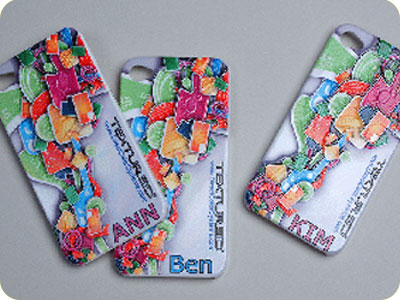

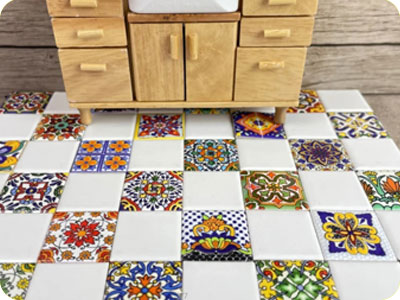


ER-HD800 UV Non-Stop Al Scanner Printer FAQ
 ER-HD800 UV Non-Stop Al Scanner Printer FAQ
Verify that the signal cable connecting the Y-axis driver to the camera is connected correctly.
After connecting the signal cable, measure the voltages at terminals A+/A- and B+/B- to ensure they are within the normal range.
Confirm that the motor version is compatible with the pin configuration of the signal cable connection.
Adjust the pin connection method to match the specific version of the current driver (refer to the driver’s instruction manual).
Verify that the current pin outputs are functioning correctly.
Attempt an alternative wiring configuration.
Replace the ink stack limit switch.
Check if the signal cable for the ink stack motor is loose.
Verify that the ink stack moves smoothly; apply a small amount of lubricant if necessary.
Verify that the Y-axis gear ratio is set correctly.
Verify that the visual alignment calibration is accurate.
Verify that the camera’s physical vertical alignment is correct.
Recalibrate the X-axis and Y-axis gear ratios.
Recalibrate the visual alignment.
Calibrate the camera’s horizontal and vertical positioning.
BLOG
–Deliver our value with content.
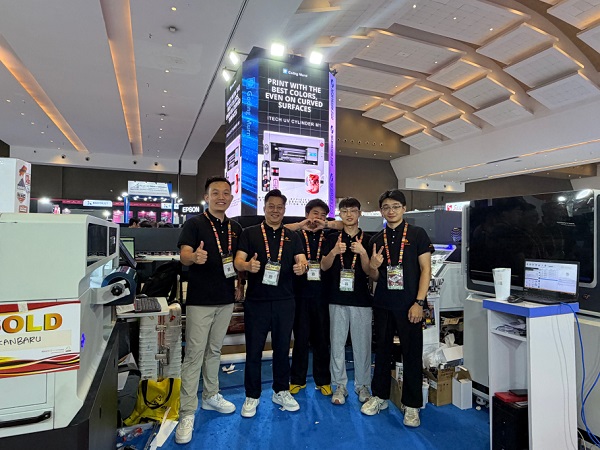
Ailygroup ALLPRINT INDONESIA 2026 | Digital Printing Machines Jakarta Expo
Ailygroup, a professional manufacturer of digital printing equipment based in Hangzhou, is delighted to participate in ALLPRINT INDONESIA 2026, the [...]
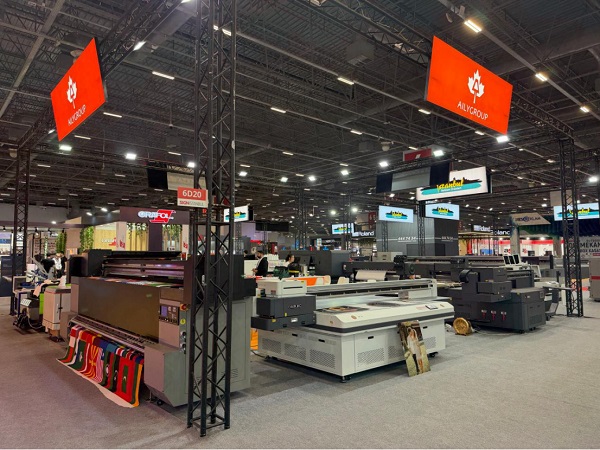
Ailygroup SIGN Istanbul 2026 | UV & DTF Digital Printing Machine Exhibition
Visit Ailygroup at SIGN Istanbul Turkey from September 23–26, 2026. Experience live demos of professional UV and DTF printing equipment [...]

Ailygroup to Showcase UV & DTF Printers at GRAFINCA 2026 in Lima, Peru
Visit our booth at GRAFINCA 2026, September 17–20, to explore UV printers and DTF printing solutions for the Latin American [...]