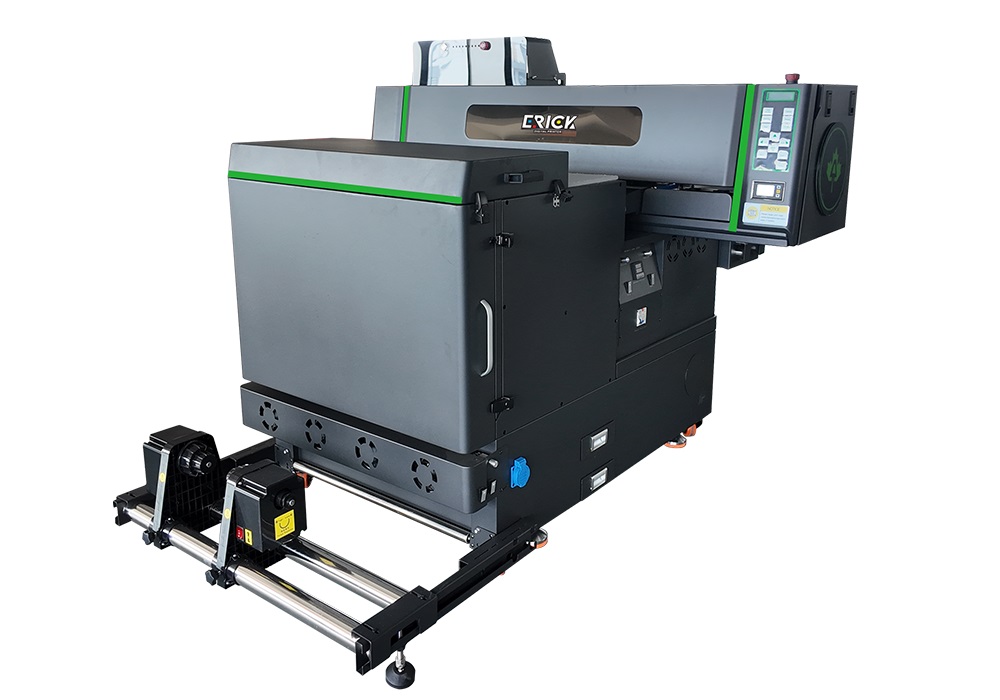
The core advantage of the DTF Printer 600 Pro All-in-One lies in its integrated design,which consolidates complex DTF production processes into a simple, efficient, and automated process. This allows customers to quickly launch customized printing services with minimal human and material investment. They also want to eliminate the tedious coordination of multiple devices and achieve “one-click printing.
 ER-DTF600Pro Industrial DTF Printer Video
ER-DTF600Pro DTF Printer Details
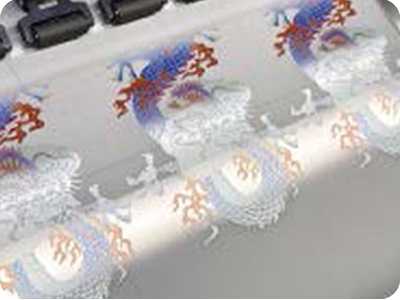
600mm Golden Production Size
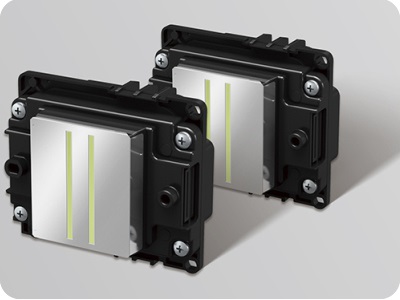
Equipped with Epson officially i1600 i3200
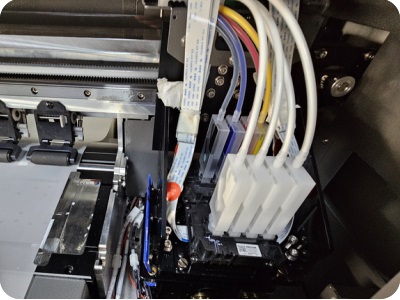
Auto-moisturizing capping station system to prevent heads from clogging
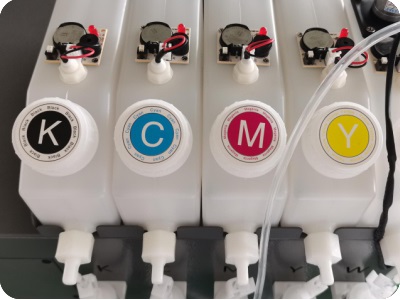
Low ink alarm is equipped to protect the printer
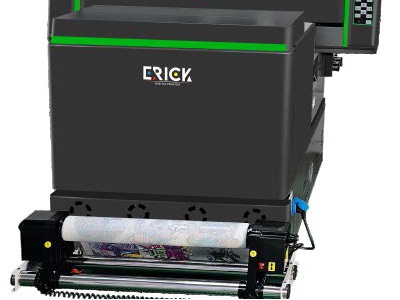
Printer&Shaker All In One Body To Save Space
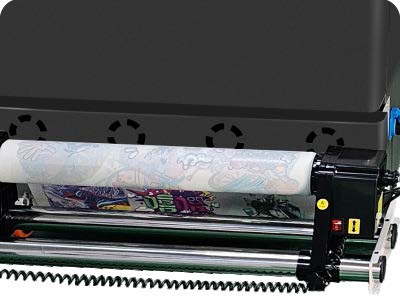
Well-designed media take-up system with both motors
ER-DTF600Pro Industrial DTF Printer Specification
| Print Software | Ripprint/Phototprint |
| Printing Speed | I3200A: 4pass 24㎡/h,6pass 16㎡/h, 8pass 8㎡/h I1600A: 4pass 12㎡/h,6pass 8㎡/h, 8pass 4㎡/h |
| Machine Functions | All In One Printer&Powder Shaker, White Ink stiring, 8 Colors Printing, Internal reserved space for range hood |
| Printing Heads | 2-4pcs Epson i1600 A1 heads/2pcs Epson i3200A1 heads |
| Machine Configurations | Hiwin Guiderail, Leadshine Motor, White Ink Stiring, All-In-One Computer(optional) Machine hardware upgrades: drag chains, tower pulleys, anti-collision, and paper collection. |
| All-In-One Computer Configurations | 8th Generations i7-8750H Processor, 64G/128G, 15.6-inch 1920×1080 Touch Screen |
| Print Colors | CMYK W/CMYK ORGB W |
| Working Environment | 1340*1850*1330mm Space, 6000W, Electricity Power, 25℃-30℃ humidty50%-70% |
| Package Info | 1440*1400*1450,270KG, 2.54m³ |
ER-DTF600Pro Industrial DTF Printer Application



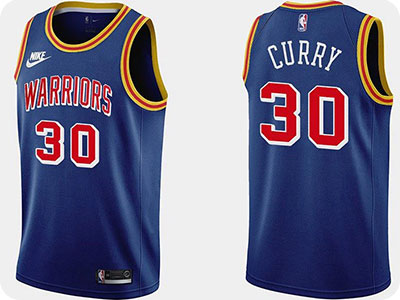
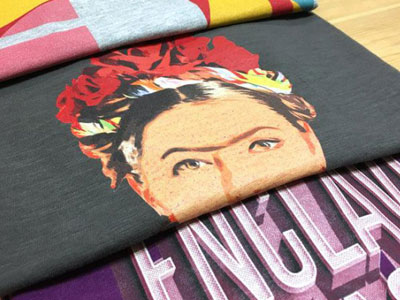
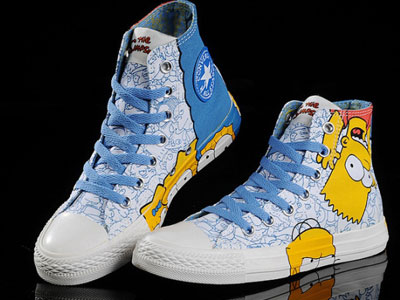
ER-DTF600Pro Industrial DTF Printer FAQ
 ER-DTF600Pro Industrial DTF Printer FAQ
1. The issue may stem from components aligned with the X-axis—specifically the drive belt, linear guide rail, or encoder strip. Inspect and troubleshoot these structures.
2. The print head baseplate height is set too low; raise the height of the baseplate. (Problem resolved)
Calibrate the gear ratio and adjust the print positioning.
Reinstall the print head or reseat the ribbon cables.
BLOG
–Deliver our value with content.
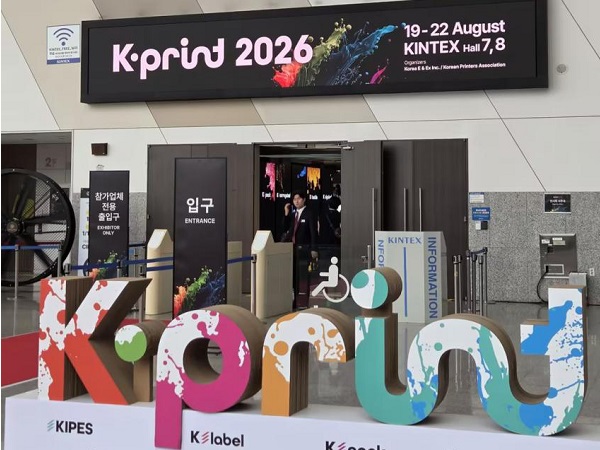
AILY GROUP Showcases Innovative Digital Printing Solutions at K-PRINT 2026
K-PRINT is South Korea's premier international exhibition for the printing, packaging, and advertising industries, showcasing the latest technologies and equipment [...]
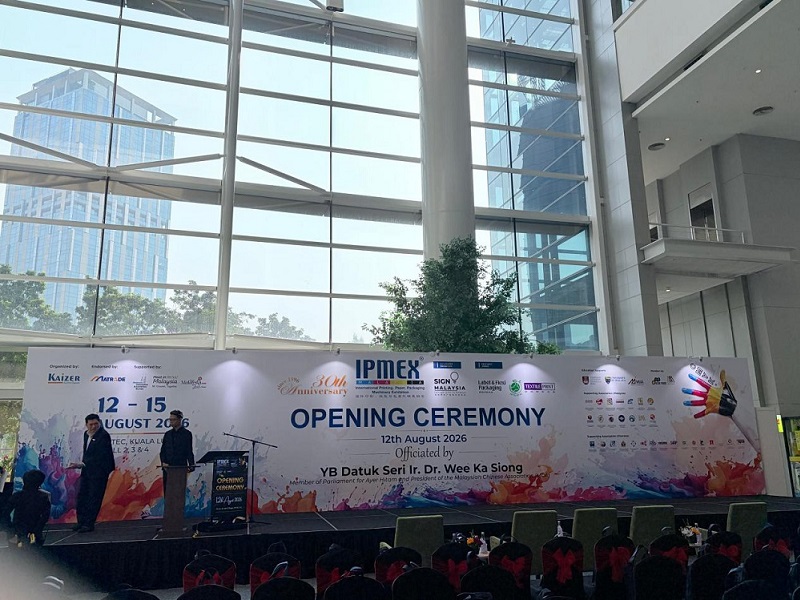
IPMEX Malaysia 2026: Aily Group Showcases UV Digital Printing Solutions
As the benefits of RCEP continue to materialize, the Southeast Asian packaging and printing market is experiencing rapid growth; trends [...]
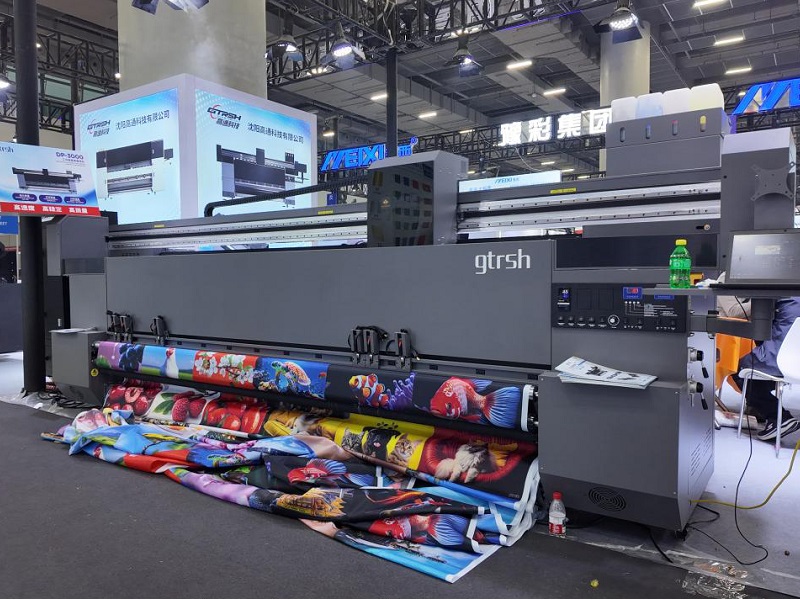
What Is a Flag Printer? Complete Guide to Fabric Printing Applications and Buying Tips
A flag printer is a specialized piece of digital printing equipment designed to produce large-format advertising materials—such as flags, banners, [...]