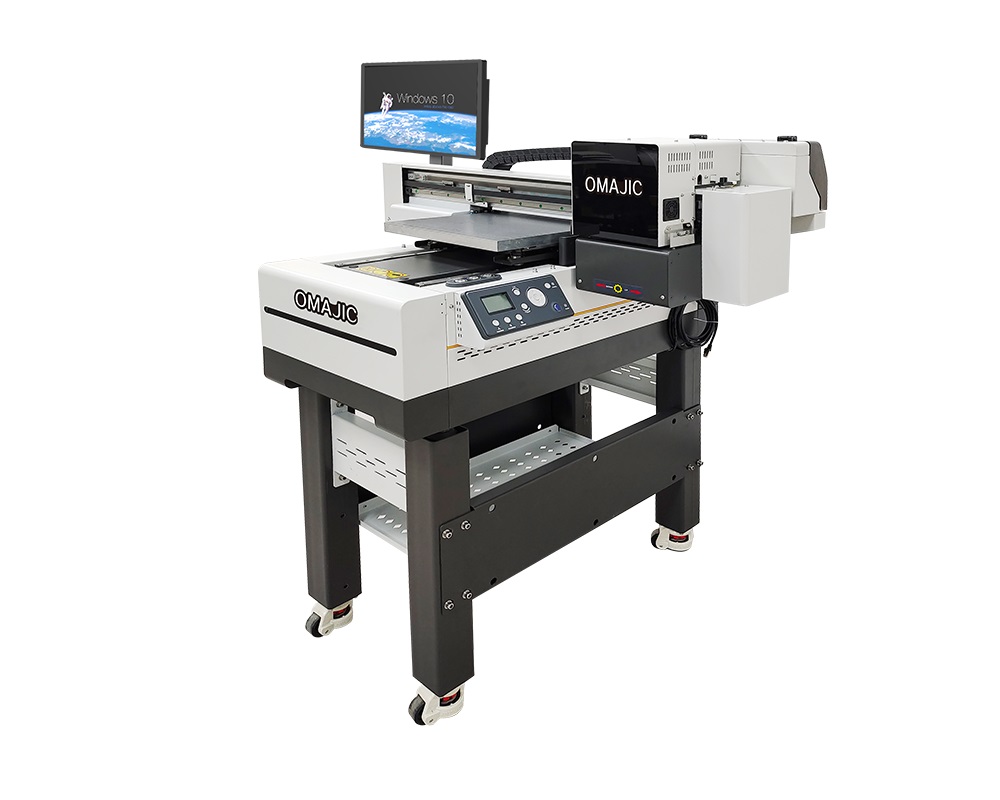
The 3060 UV flatbed printer with Al scanning is more than just a printer; it’s an intelligent digital manufacturing center. By introducing Al vision technology, it solves core pain points in traditional printing, such as positioning difficulties, inability to handle uneven surfaces, and reliance on manual quality control, elevating production efficiency, printing accuracy, and automation to a whole new level.
 OM-UV3060 UV Flatbed Printer Video
OM-UV3060 UV Flatbed Printer Details
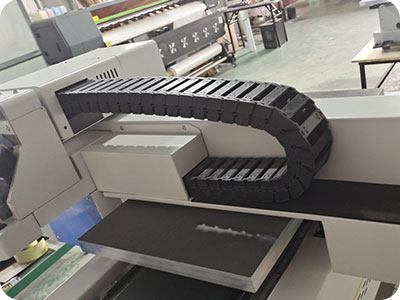
High grade drag chain
The printhead moves frequently (X/Y axis), and the drag chain needs to adapt to high-speed start and stop.
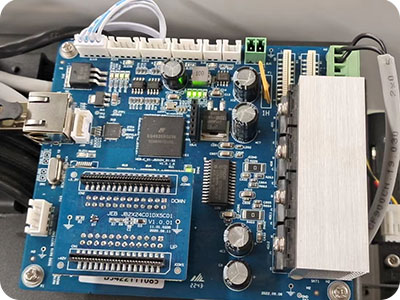
Hoson Board
The nozzle movement is controlled by micro-step subdivision technology, with a resolution of +0.01mm.
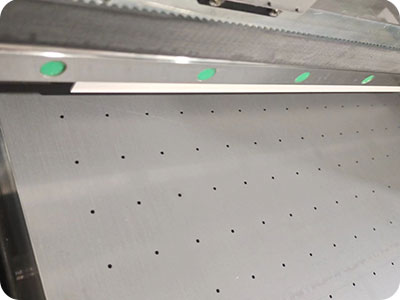
Industrial Guide rail
High-speed printing: The guide rail needs low friction and high acceleration(such as remaining stable under 0.5G acceleration)
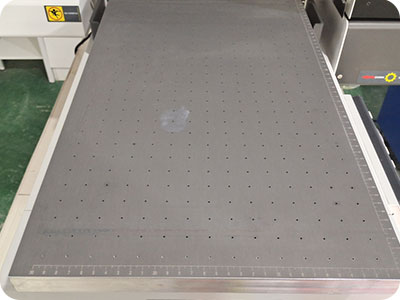
Vacuum platform
Prevents the material from sliding during printing, ensuring high-precision output. The partitioned adsorption design can fix irregularly shaped or partially warped materials.
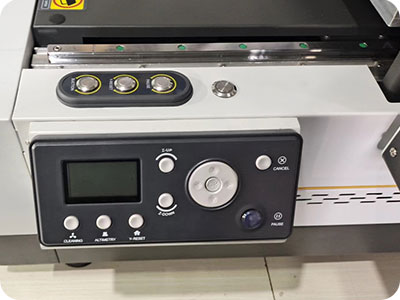
Well designed control panel
Printhead status monitoring (blockage waming), white ink circulation switch, UV lamp intensity adjustment.
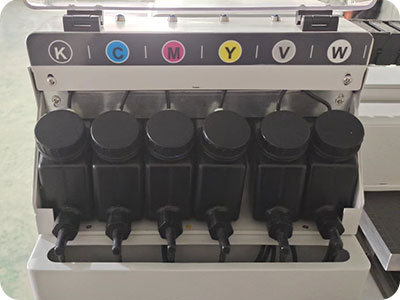
White ink stirring system
Avoid gradient faults and uneven relief effects caused by white ink precipitation.
OM-UV3060 UV Flatbed Printer Specification
| Print Software | Ripprint/Phototprint |
| All-In-One Computer Configurations |
8th Generations i7-8750H Processor 64G/128G,15.6-inch 1920×1080 Touch Screen |
| Machine Functions | Single Head Print CMYK W V, UV Al Scanner |
| Printing Heads | Single Dx7 |
| Machine Configurations | Hiwin Guiderail, Leadshine Motor All-In-One Computer(optional) |
| Printing Speed | 6pass 2㎡/h,8pass 2m/h,12pass 1.2 m/h |
| Print Colors | CMYK W V |
| Working Environment | 1100*980*1450mm Space,1200V Electricity Power, 25’C-30’C humidty50%-70% |
| Package Info | 1140*1140*790 ,182KG, 1.03m |
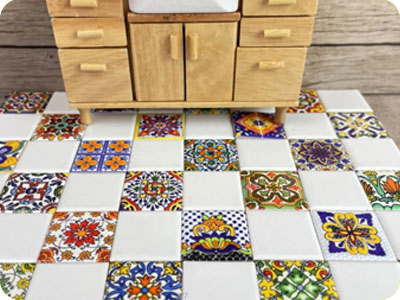
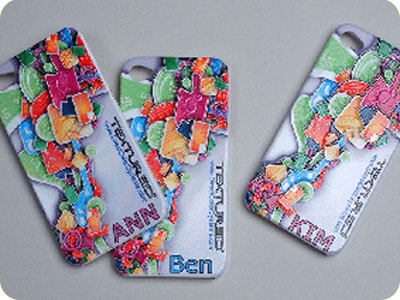
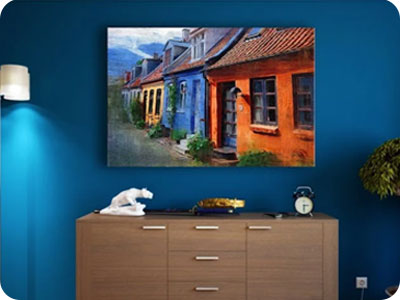
OM-UV3060 UV Flatbed Printer Applications



OM-UV3060 UV Flatbed Printer FAQ
 OM-UV3060 UV Flatbed Printer FAQ
This is a software issue; uninstall and then reinstall the software.
1. The camera’s IP address settings are incorrect.
2. The network interface card (NIC) is not a 2.5Gbps card (a 2.5Gbps card is required).
3. Jumbo Frames are not enabled; please enable Jumbo Frames.
BLOG
–Deliver our value with content.
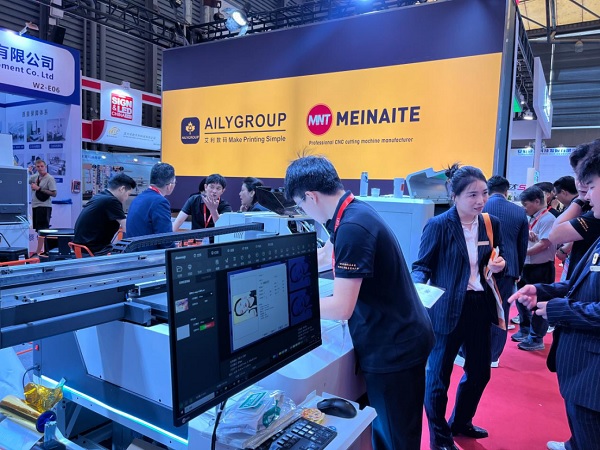
Meet Ailygroup at SIGN CHINA Shanghai | Booth W2-D08
SIGN CHINA, Asia’s leading trade show for signage, digital printing and advertising technology, will be held from 15 to 17 [...]
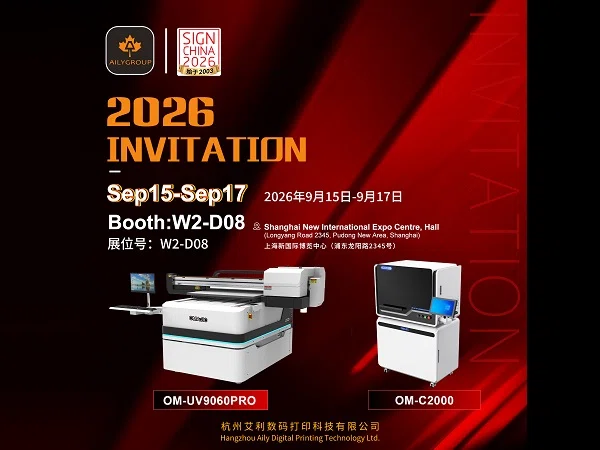
Invitation: Meet Aily GROUP at SIGN CHINA 2026 Shanghai
Date: September 15-17, 2026 Booth No: W2-D08 Venue: Shanghai New International Expo Centre (2345 Longyang Road, Pudong, Shanghai) Hangzhou AILY [...]
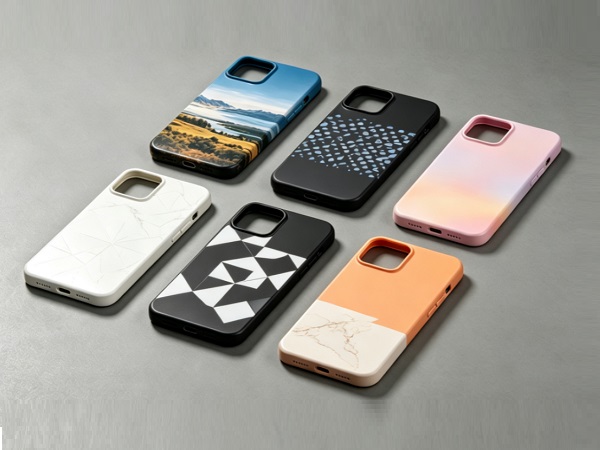
AiLy Group UV6090 Print Scene
OM UV6090 Industrial Grade UV LED Flatbed Printer delivers high resolution direct to object digital printing within 600 × 900 mm working area, [...]