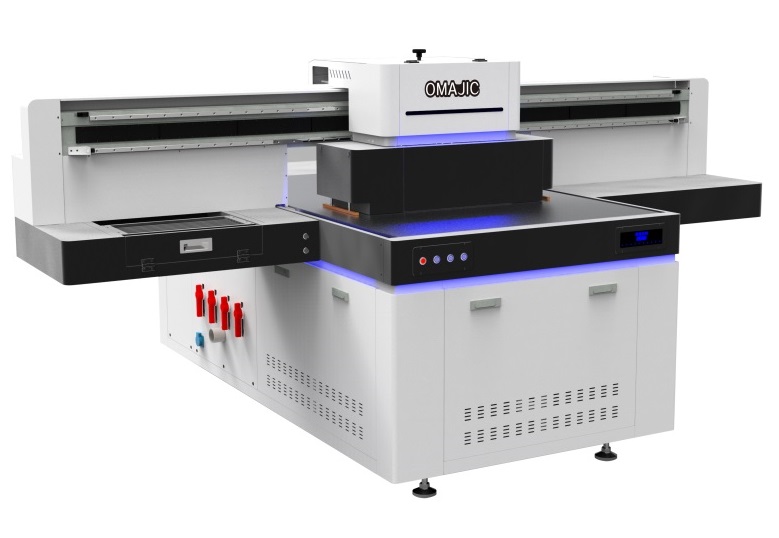
OM-UV1016 MAX UV Flatbed Printer
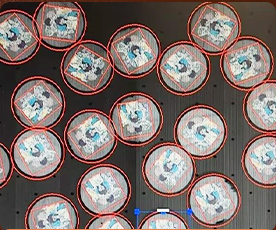
- 1200dpi Latest UV Carriage Ai Scanner
- Fluorescent color printing
- None after-service negative Ink supply system
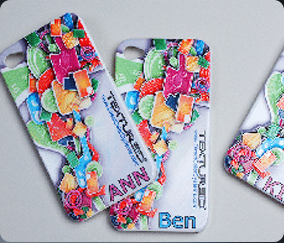
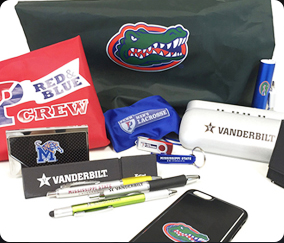
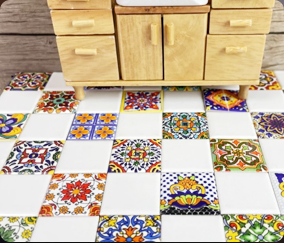
The OM-UV1016 MAX UV flatbed printer is a powerful and versatile printing device,especially suitable for small and medium-sized enterprises in industries such as advertising processing, home customization, and personalized gifts. It is an ideal choice for achieving small-batch, multi-variety, and high-value-added production.
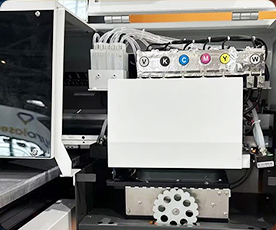
【OM-UV1016 Details】
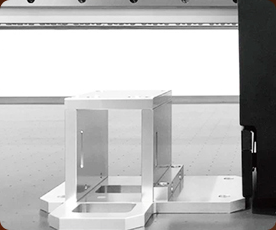
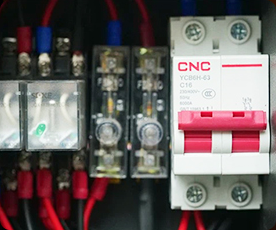
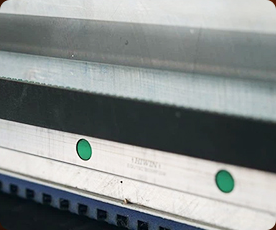
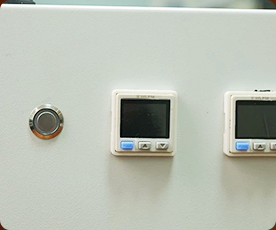
【Technical Specification】
| Print Software | Ripprint/Phototprint |
| All-In-One Computer Configurations |
8th Generations i7-8750H Processor, 64G/128G,15.6-inch 1920×1080 Touch Screen |
| Machine Functions | 190mm Print Height, UV Carriage Scanner |
| Printing Heads | 4-8pcs i3200U/G5/G6/GH2220 |
| Machine Configurations | Hiwin Guiderall, Leadshine Motor, Negative Capping Stations,All-In-One Computer(optional),Maglev Transportation System |
| Printing Speed | Gh2220: 8pass 10㎡/h 12pass 1.5㎡/h I3200U: 6pass 8㎡/h 8pass 6㎡/h G5: 4pass 10㎡/h 6pass 8㎡/h G6: 4pass 12㎡/h 6pass 10㎡/h |
| Print Colors | CMYK W V/CMYK LC LY LK LLK/CMYK WV Golden Varnish |
| Working Environment | 5000W Electricity Power, 25°C-30°C humidty 50%-70% |
| Package Info | 3100*2300*1750mm.1000KG,9.48m³ |
【Application Scheme】

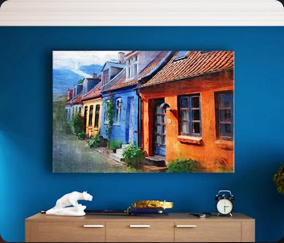
UV flatbed printer with AI scanner FAQ
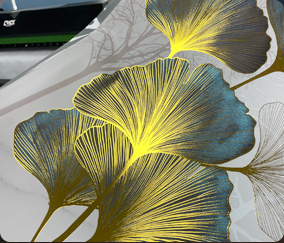
It can print in various color schemes, such as fluorescent colors and light colors.
8-head GH2220 (4 colored, 2 white, 1 regular varnish, 1 hot stamping varnish)
Issue: The Y-axis shifts during visual printing on the 1016 model.
Solution: Since the camera scanning position differs from the Y-axis printing position, the Y-axis must be reset prior to every scanning and printing operation.
Issue: White ink and varnish are not being printed.
Solution: The customer has incorrectly named the spot colors; the naming convention does not meet the system requirements. The names should be formatted as “spot_1,” “spot_2,” etc.
Issue: XY printing does not occur at the designated coordinates (e.g., 100, 100).
Solution: The software has not been configured with the correct error compensation settings. Adjust these settings within the “Advanced Settings” menu (Password: 222222) under the “Other” tab.
Issue: The printed Braille characters appear incomplete or fragmented.
Solution: The font’s internal offset (inward contraction) must not be set too aggressively; the setting should be adjusted based on the specific pixel data of the image file.
BLOG
Deliver our value with content.
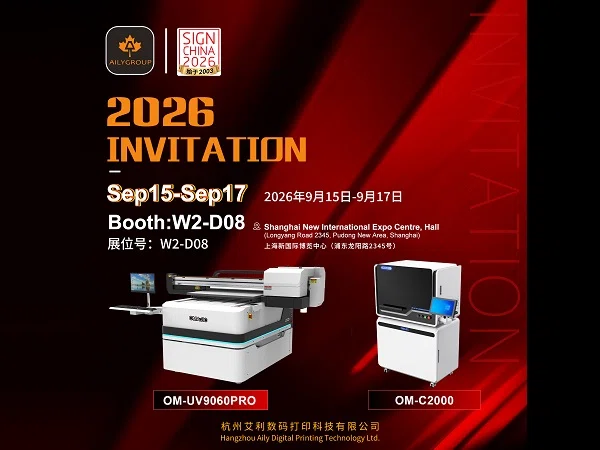
Invitation: Meet Aily GROUP at SIGN CHINA 2026 Shanghai
Date: September 15-17, 2026 Booth No: W2-D08 Venue: Shanghai New International Expo Centre (2345 Longyang Road, Pudong, Shanghai) Hangzhou AILY [...]
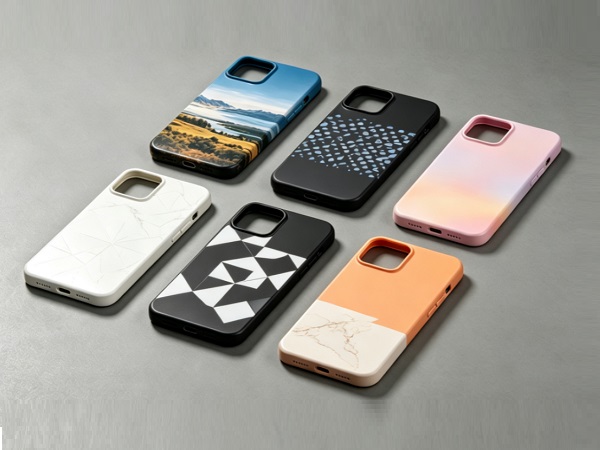
AiLy Group UV6090 Print Scene
OM UV6090 Industrial Grade UV LED Flatbed Printer delivers high resolution direct to object digital printing within 600 × 900 mm working area, [...]
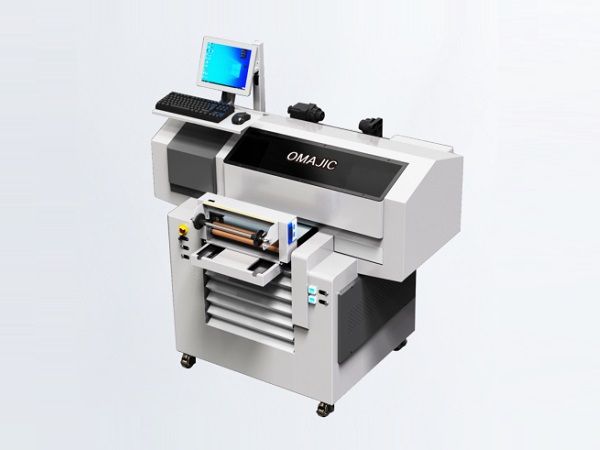
UV4062 UV Flatbed Printer: Compact Industrial Solution for Multi-Material Direct Printing
The UV4062 UV flatbed printer is a compact, high-performance industrial direct-to-substrate printing machine with a 400×620mm printing area. Designed for [...]