
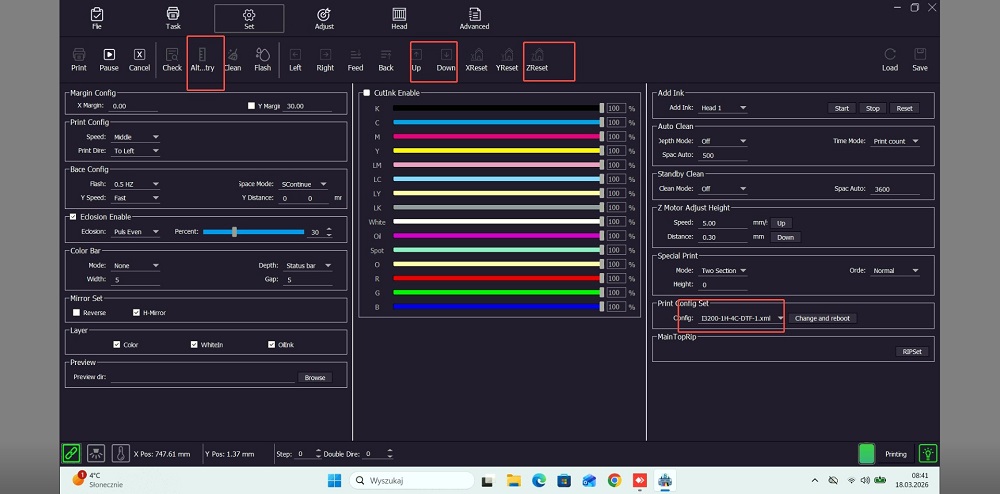
Issue: After switching to DTF mode, the toolbar continues to display Z-axis-related functions.
Solution: The installed software version is outdated; the software developer must provide an updated version.
Error Message: “Insufficient number of columns printed.” Please inspect the motor, encoder strip, and collision detection sensor.
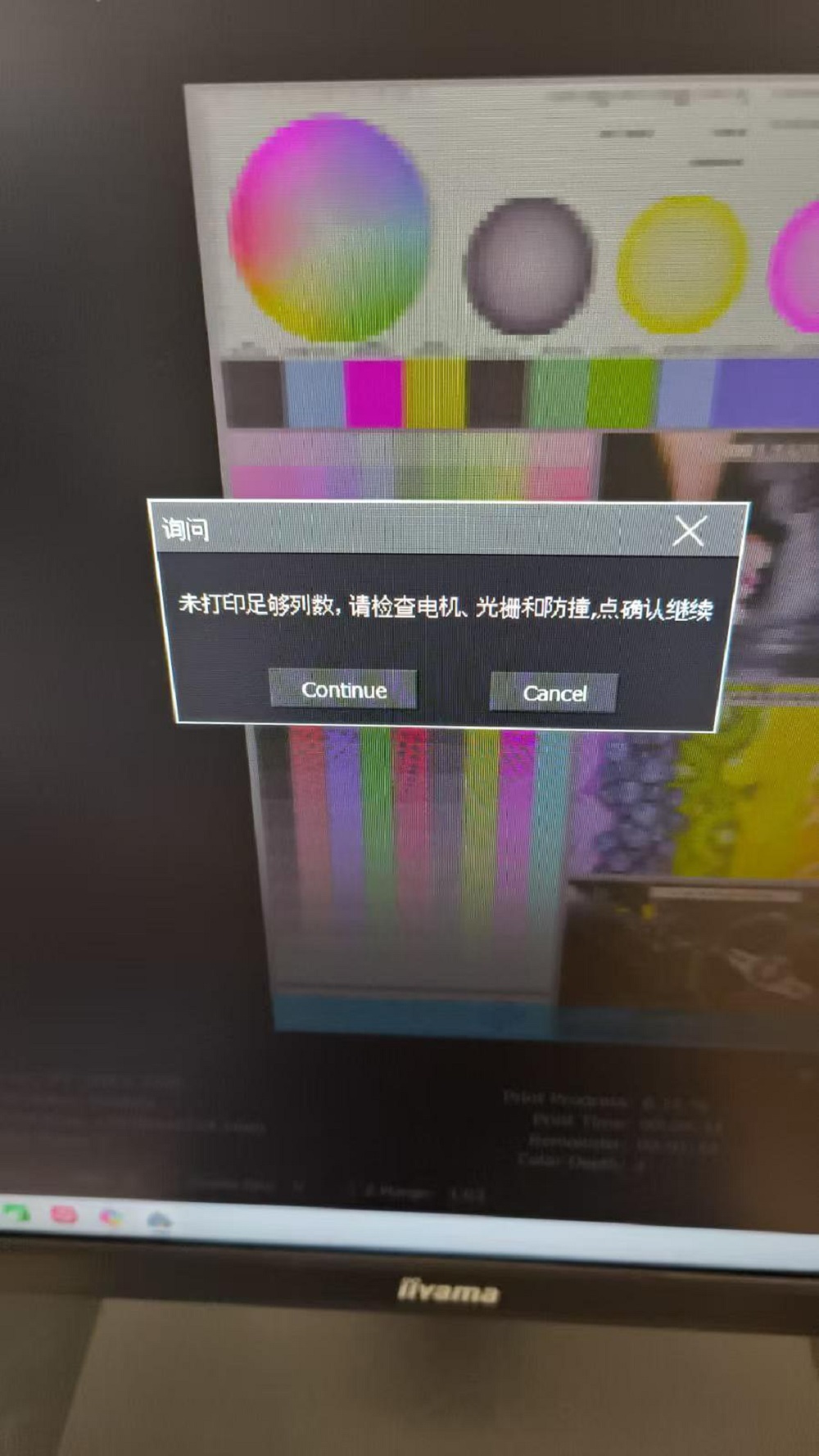
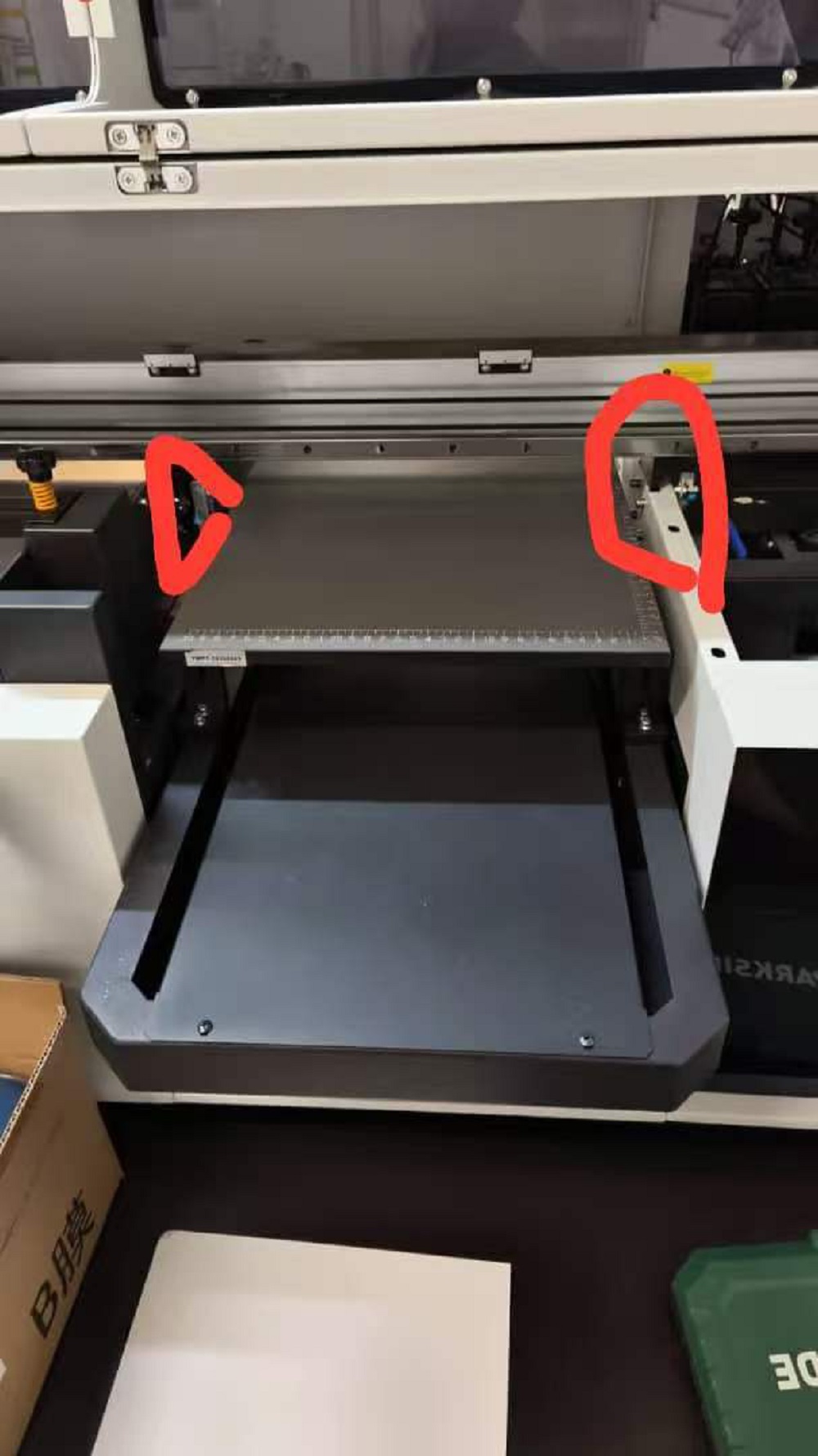
Solution: Check if the infrared sensor is obstructed or if the collision detection system has been triggered. Instruct the customer to inspect both the infrared sensor and the encoder strip; in this specific instance, the issue was resolved after powering off and restarting the machine.



Leave A Comment